Direct Conversion
The /v1/direct endpoint generates a PDF from a URL, HTML, or template ID and returns it directly in the response body. Use it when you need the PDF immediately: save to disk, attach to an email, or show an in-app preview while your user is waiting.
Endpoint Details
Method: POST
https://api.pdfbolt.com/v1/direct
Success Example
- Request
- cURL
- Response
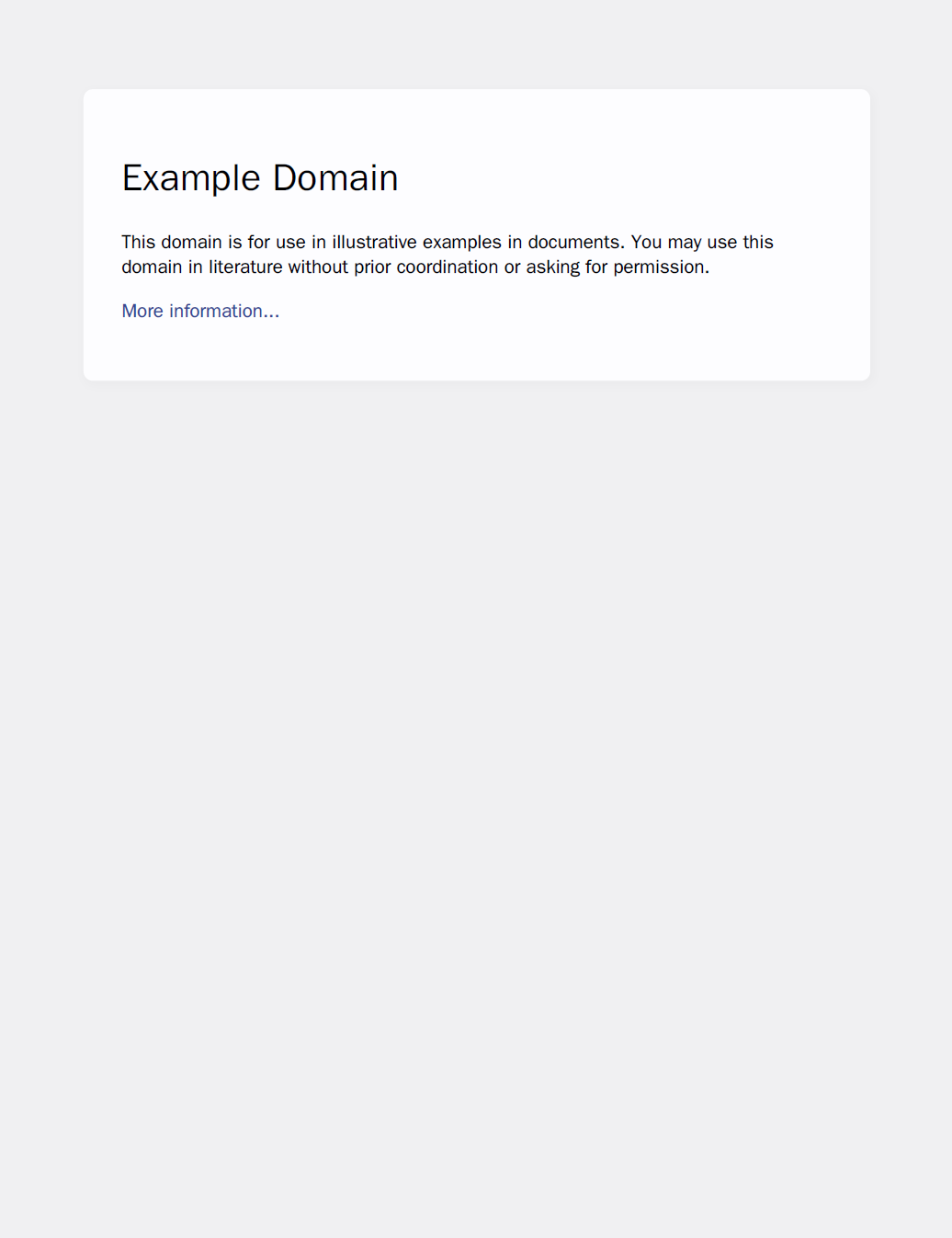
Example request body for converting a URL to PDF:
{
  "url": "https://example.com"
}
Complete request with authentication, saving the result as webpage.pdf:
curl 'https://api.pdfbolt.com/v1/direct' \
  -H 'API-KEY: XXXXXXXX-XXXX-XXXX-XXXX-XXXXXXXXXXXX' \
  -H 'Content-Type: application/json' \
  -d '{"url": "https://example.com"}' \
  -o webpage.pdf
To save response headers (rate limits, conversion cost, content disposition) alongside the PDF, add -D headers.txt:
curl -D headers.txt 'https://api.pdfbolt.com/v1/direct' \
  -H 'API-KEY: XXXXXXXX-XXXX-XXXX-XXXX-XXXXXXXXXXXX' \
  -H 'Content-Type: application/json' \
  -d '{"url": "https://example.com"}' \
  -o webpage.pdf
The response contains raw PDF bytes, or Base64-encoded PDF text when isEncoded is true.
Failure Example
API-level failures return a JSON error object. Infrastructure-generated responses, such as 503 and 504, may use a different format. See Error Handling for shared error codes and recommended actions, and the OpenAPI Reference for the exact responses supported by this endpoint.
- Request
- Response
{
  "url": "https://example.com",
  "waitForFunction": "() => document.body.innerText.includes('Ready to Download')"
}
{
  "timestamp": "2026-04-30T10:28:43Z",
  "httpErrorCode": 408,
  "errorCode": "CONVERSION_TIMEOUT",
  "errorMessage": "Conversion process timed out. Please see https://pdfbolt.com/docs/parameters#timeout, https://pdfbolt.com/docs/parameters#waituntil and https://pdfbolt.com/docs/parameters#waitforfunction parameters."
}
Body Parameters
Below is the only parameter specific to /v1/direct. For parameters shared across the Conversion API endpoints, see Conversion Parameters.
isEncoded
Type: boolean
Required: No
Default Value: false
Details:
The isEncoded parameter determines the format of the PDF data returned in the response:
- When
true: returns Base64-encoded PDF withContent-Type: text/plain. - When
false(default): returns raw PDF binary withContent-Type: application/pdf.
Usage:
{
  "url": "https://example.com",
  "isEncoded": true
}
Base64-encoded responses are approximately 33% larger than raw binary, increasing transfer time and storage usage.
Response
The response format depends on the isEncoded parameter:
| Value | Response Format | Content Type |
|---|---|---|
true | Base64-encoded PDF | text/plain |
false | Raw PDF binary | application/pdf |
For response headers, see API Response Headers.
Next Steps
📄️ Quick Start Guide
Node.js, Python, and PHP SDKs, cURL, and REST examples
📄️ Conversion Parameters
Full reference for all PDF generation parameters