AI PDF Generator
Describe your document and attach reference files.
Let AI build your complete HTML template.
Then use the REST API to generate PDFs at scale.
Generate Template with AI
Describe your template. Include layout, styling, and data fields.
e.g., Create a professional invoice template with company logo at the top...
0 / 10,000 characters
Drag & drop, click to browse, or paste (Ctrl+V)
PDF, PNG, JPG, JPEG, SVG, TXT, HTML, HTM, CSS, JS, JSON

Creating Your Template
AI is building a professional template tailored to your description
Analyzing your request
Designing layout structure
Creating HTML template
Generating sample data
Finalizing your template
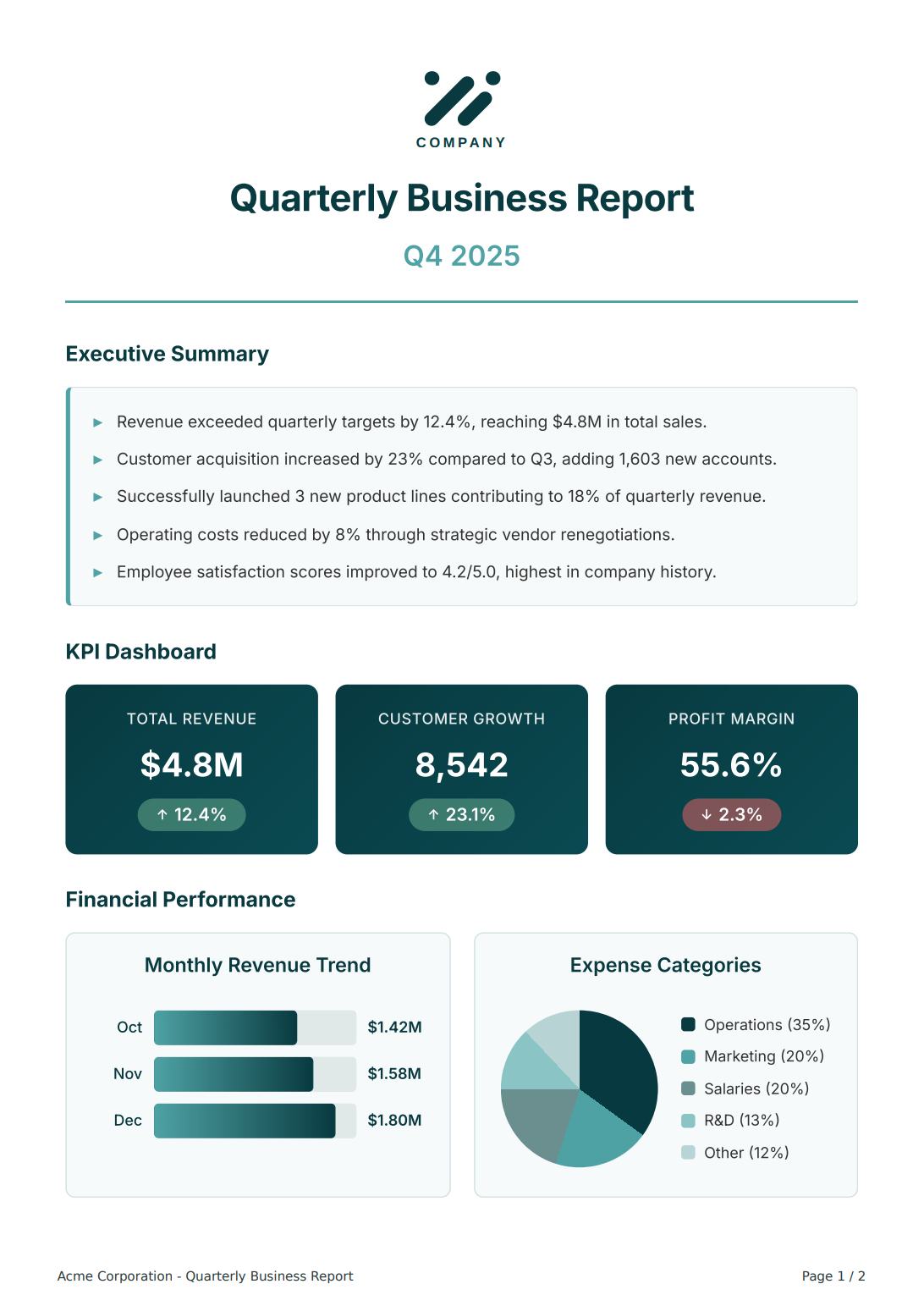
How AI PDF Template Generation Works
Describe your PDF layout and attach references. AI creates your complete template.
Edit with AI assistance, review changes side-by-side before applying, then copy ready‑to‑use API code.
Start with a Prompt
Describe your layout, data fields, and styling. Attach reference files – PDFs, images, or code.
AI Generates Code & Data
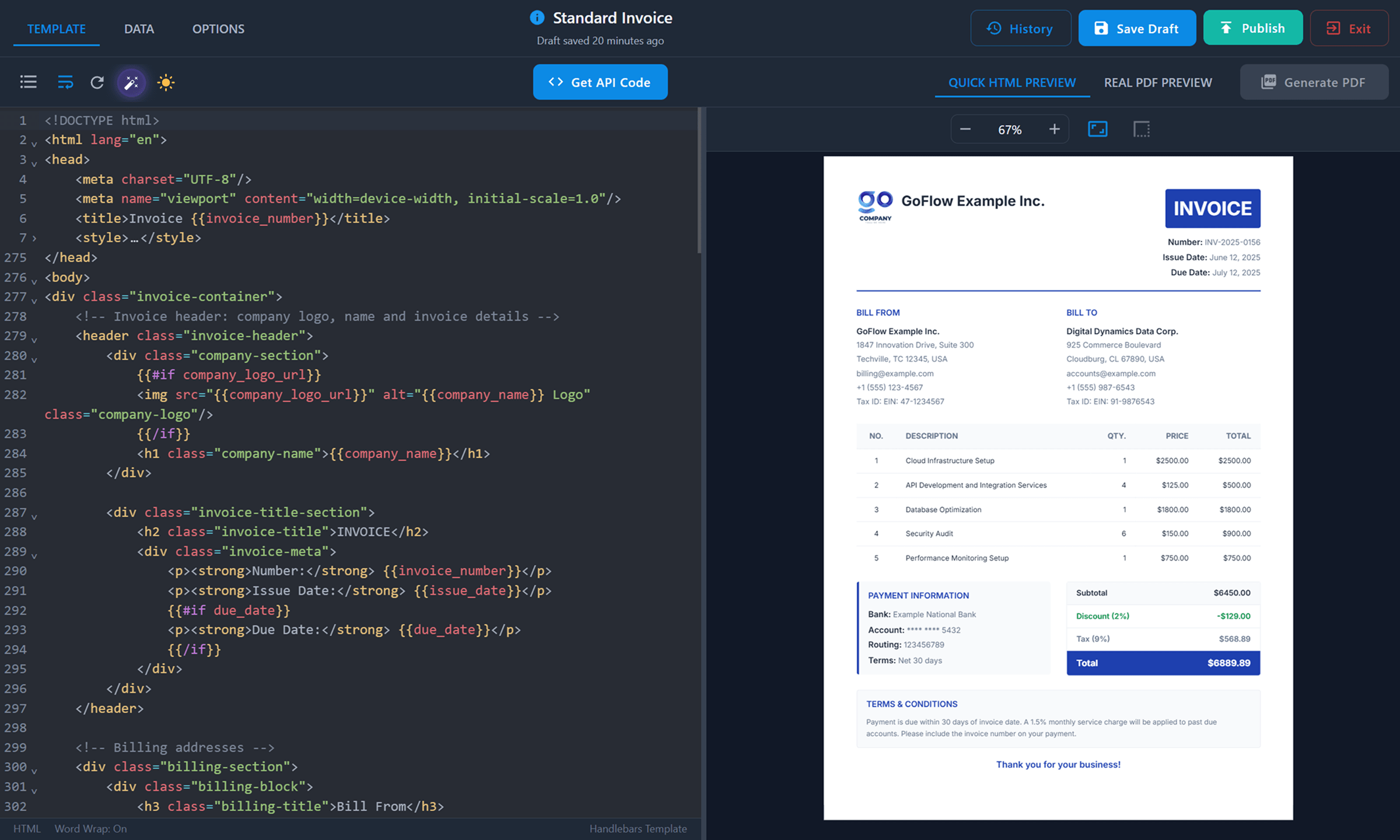
AI creates a complete HTML/CSS template with Handlebars variables and sample data.
Edit with AI Assist
Request changes – layout, fields, styling. AI handles the code updates. Iterate until satisfied.
Review & Accept
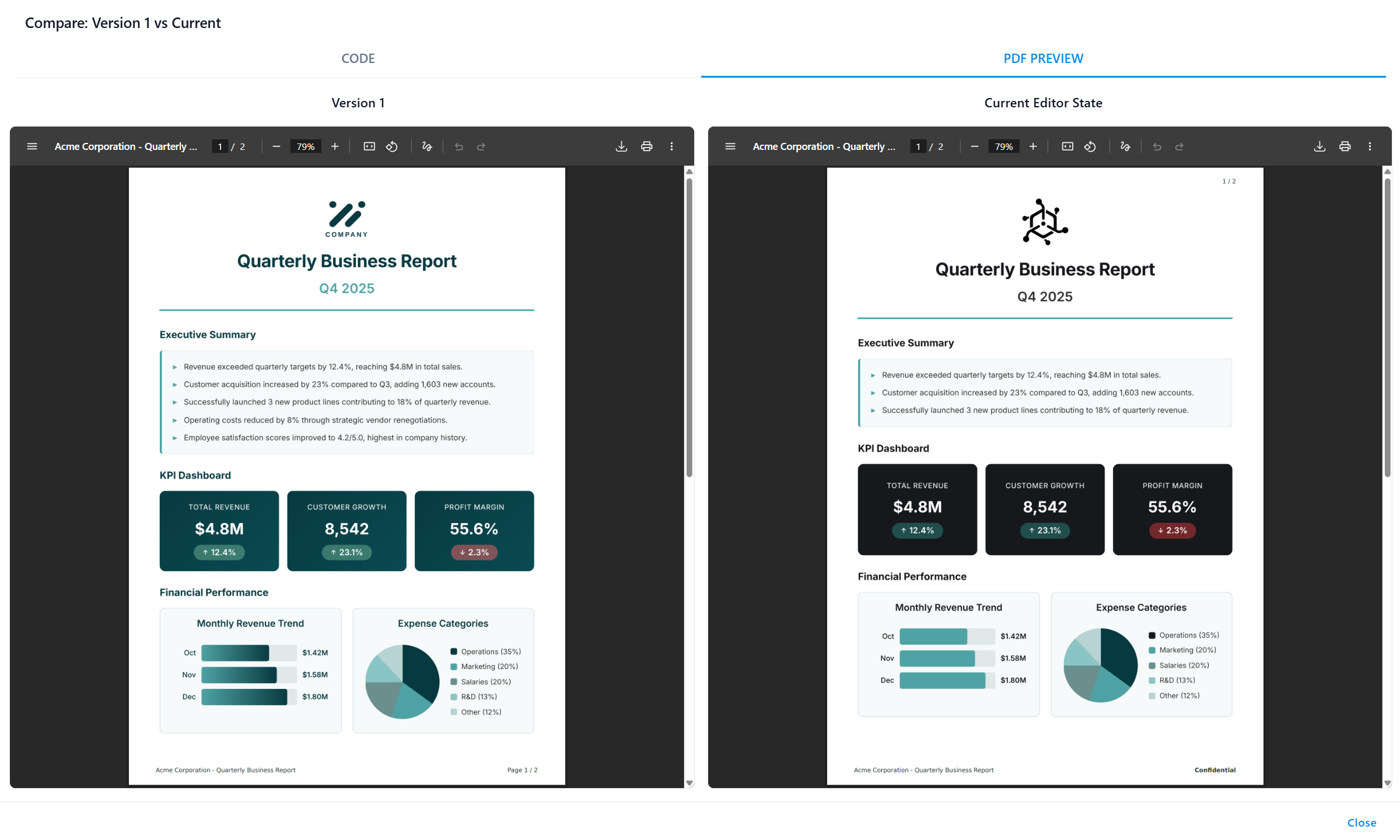
See what changed in diff view. Compare PDF output side by side, then accept or reject – full control.
One-Click Code Integration
Copy ready-to-use code snippets in your language. Integrate in minutes.
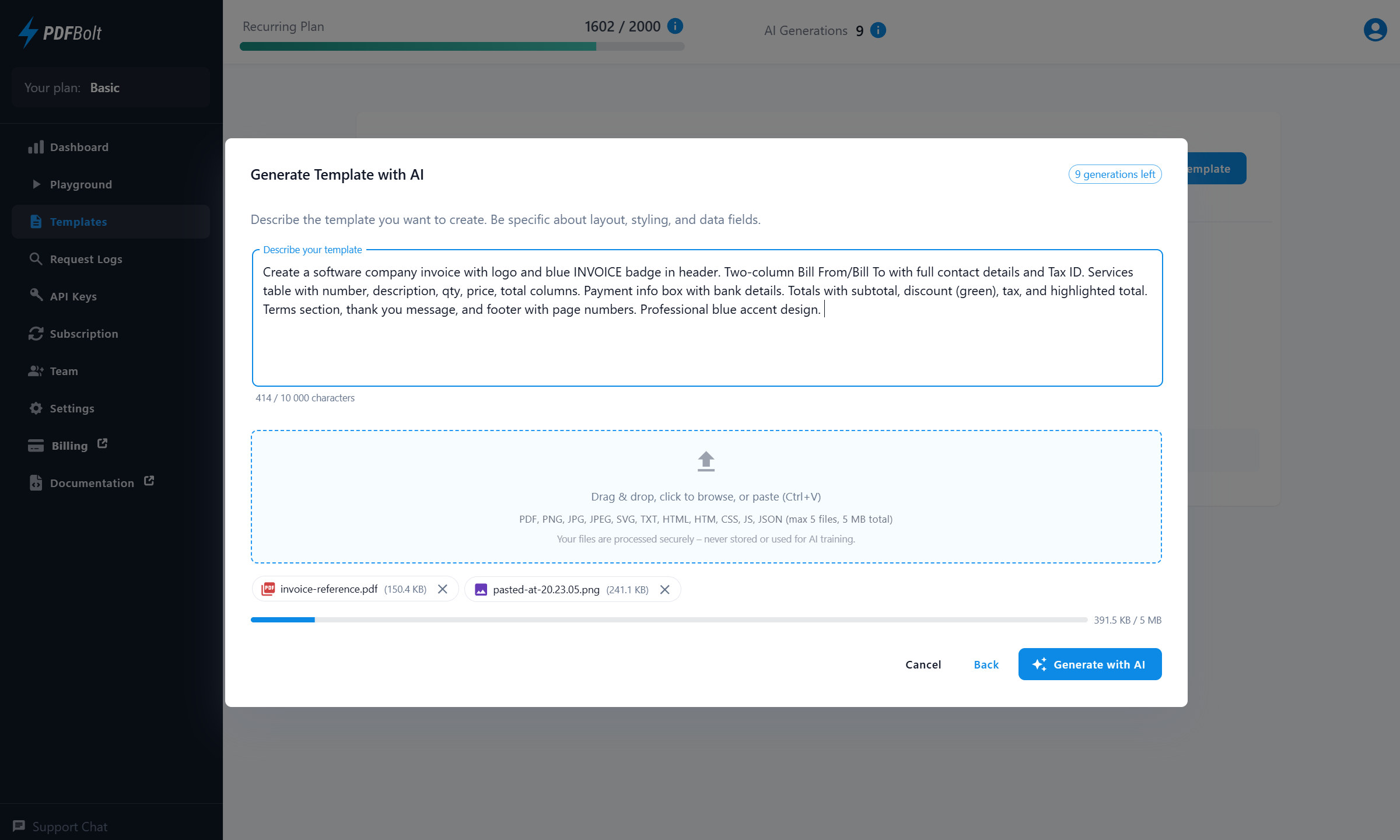
Generate Template with AI
Describe the template you want to create. Be specific about layout, styling, and data fields.
0 / 10,000 characters
Drag & drop, click to browse, or paste (Ctrl+V)
PDF, PNG, JPG, JPEG, SVG, TXT, HTML, HTM, CSS, JS, JSON (max 5 files, 5 MB total)
0 KB / 5 MB
Invoice Template
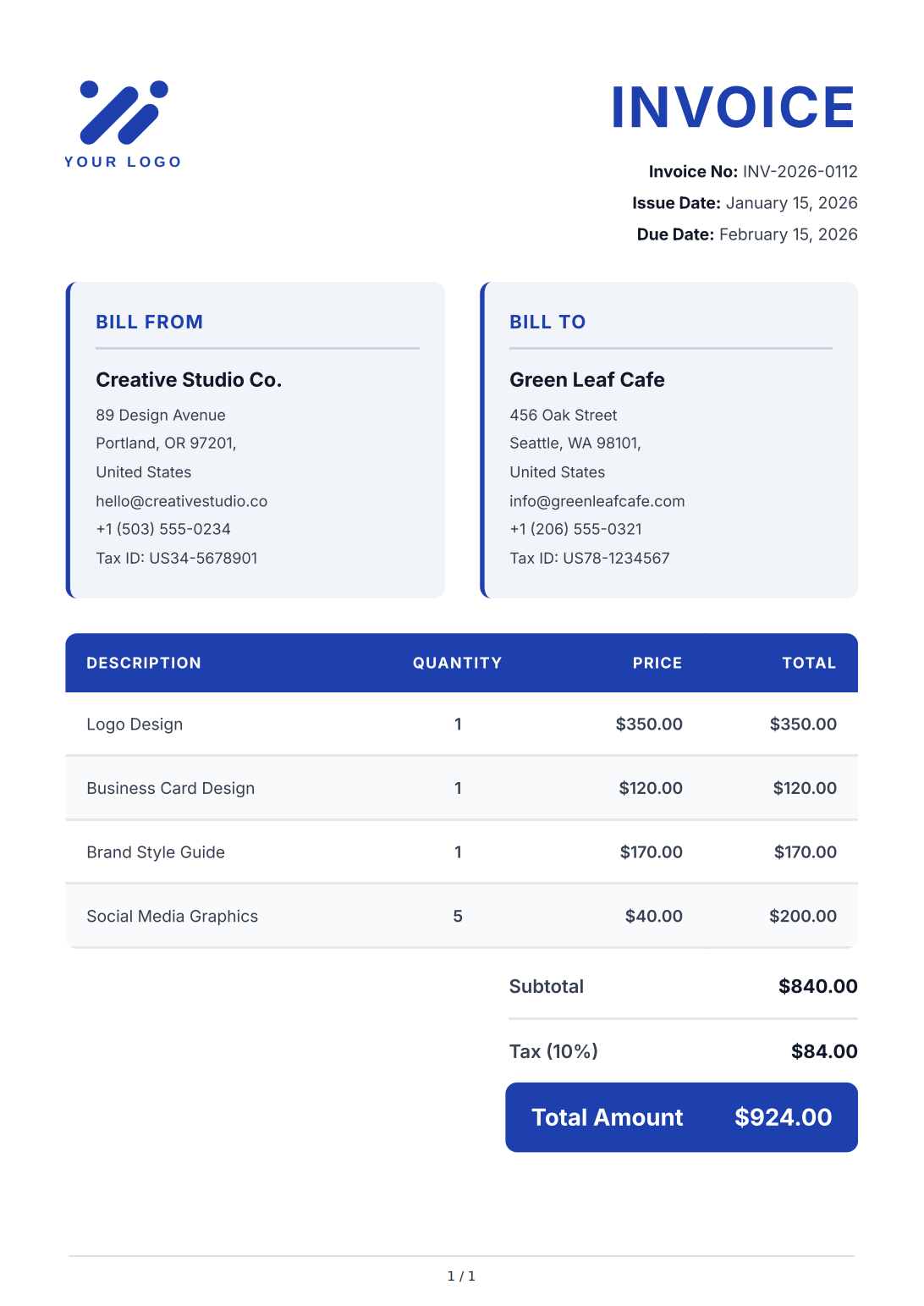
Invoice Template
AI Assistant
This will use
1 AI generation. Your template and sample data will be updated based on your instructions.Describe what you want to change:
Thinking
0 / 10,000 characters
Drag & drop, click to browse, or paste (Ctrl+V)
PDF, PNG, JPG, JPEG, SVG, TXT, HTML, HTM, CSS, JS, JSON (max 5 files, 5 MB total)
Review AI Changes
Before (Current)
1
/
1
After (AI-edited)
1
/
1
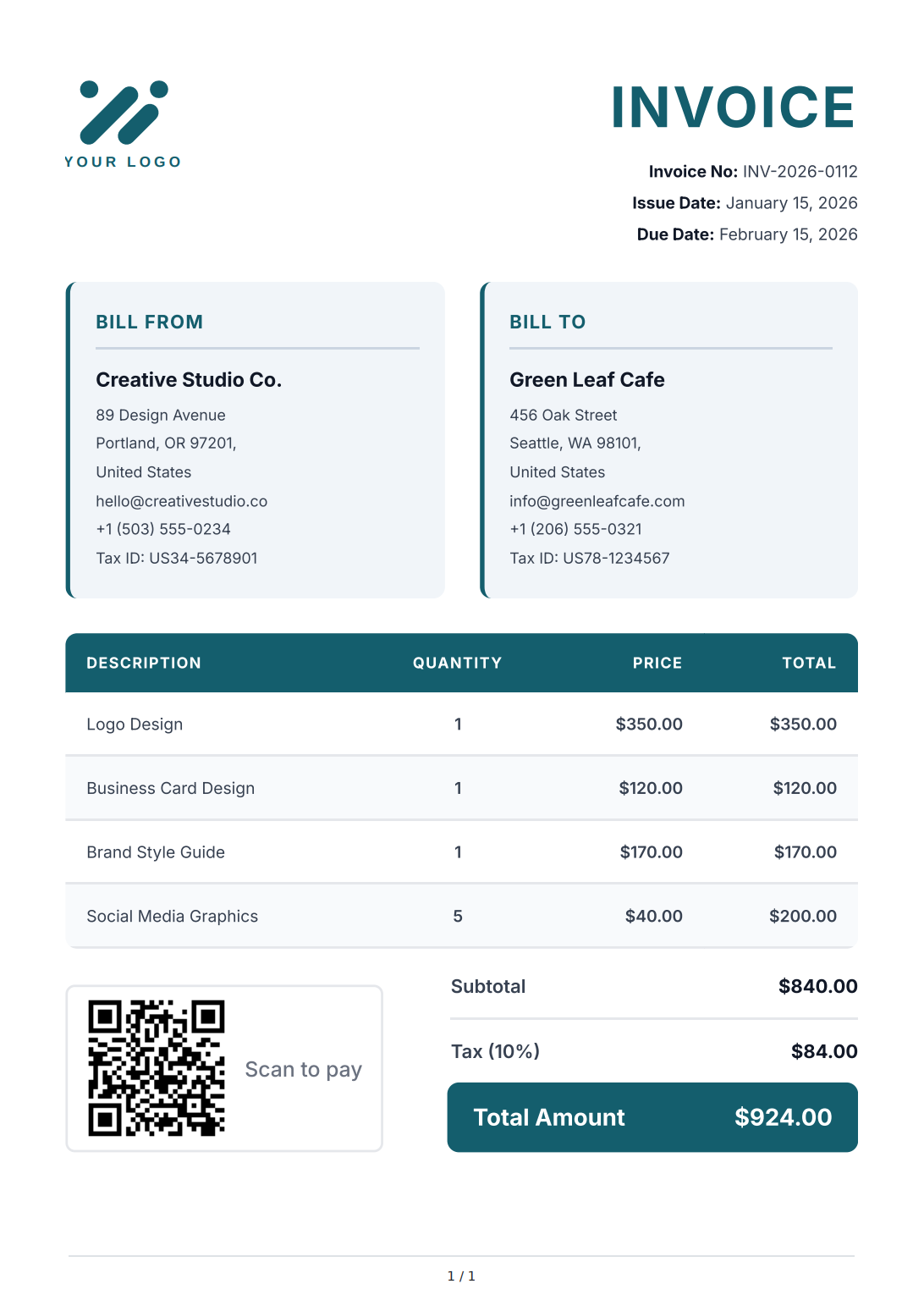
Invoice Template
API Integration: Invoice
Use the following code examples to generate PDFs using this template through our API.
Close
Manage Templates with the Template API
Use the Template API to create drafts, validate and preview changes, compare versions, and publish templates from CI workflows, internal tools, Claude Code, Codex, or other AI coding agents.
PDF API & Template Tools
More than an AI PDF maker – a visual template editor, ready‑made gallery, and full control over PDF output.
Generate PDFs via sync or async endpoints, manage template versions, and deliver files straight to S3.
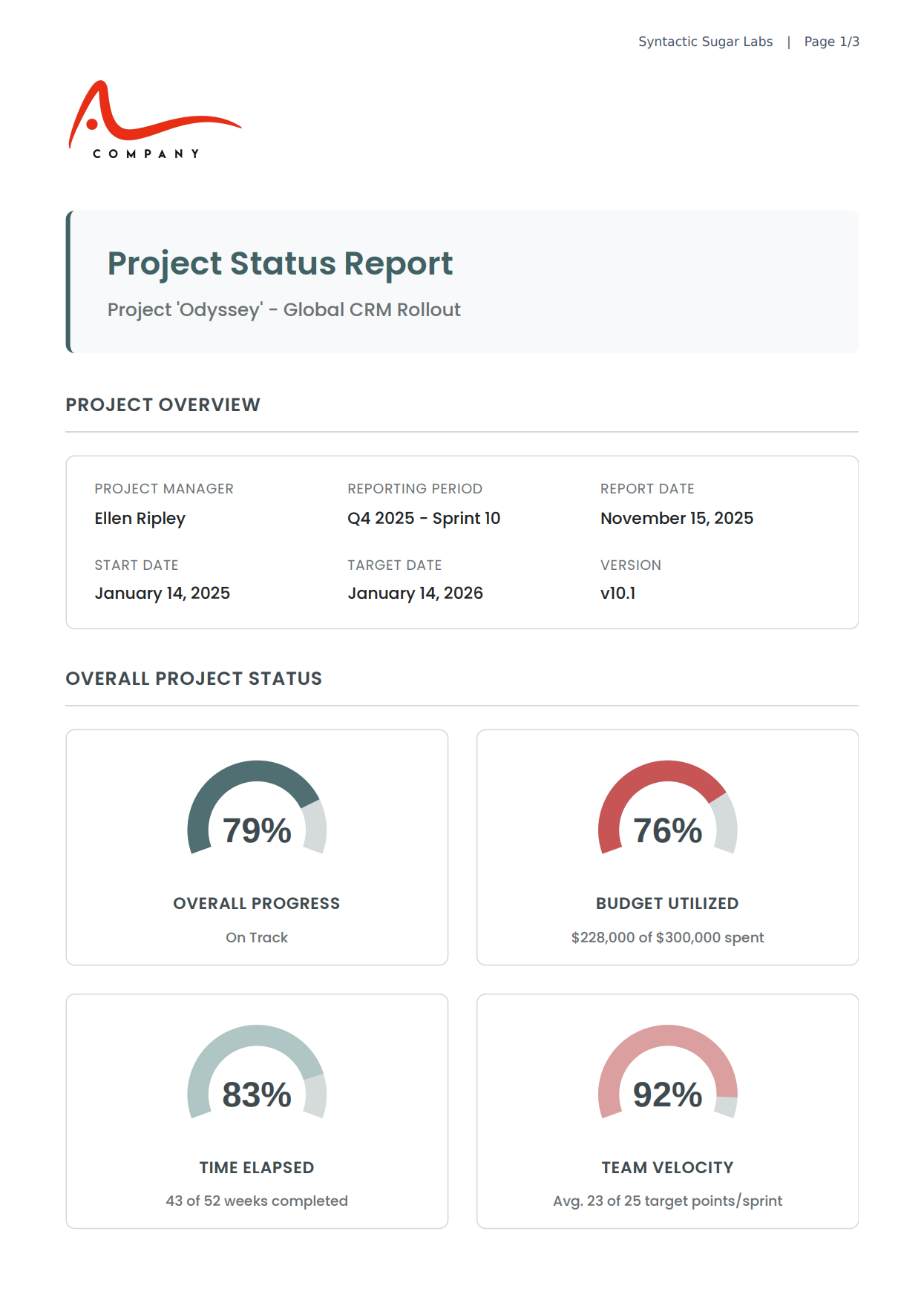
Use AI-Generated Templates via API
Use the official Node.js SDK, Python SDK, and PHP SDK, or copy REST examples for Java, C#, Go, Rust, and cURL.
Pass template ID and JSON data – get back professionally formatted PDFs in seconds.
const fs = require('fs');

async function generatePdf() {
    const response = await fetch('https://api.pdfbolt.com/v1/direct', {
        method: 'POST',
        headers: {
            'API-KEY': 'XXXXXXXX-XXXX-XXXX-XXXX-XXXXXXXXXXXX',
            'Content-Type': 'application/json'
        },
        body: JSON.stringify({
            templateId: "your-ai-generated-template-id",
            templateData: {
                company_name: "Acme Corp",
                invoice_number: "INV-2026-0112",
                items: [
                    {
                        description: "Web Development",
                        quantity: 40,
                        unit_price: "$150.00"
                    },
                    {
                        description: "Design Services",
                        quantity: 10,
                        unit_price: "$120.00"
                    }
                ],
                subtotal: "$7,200.00",
                tax: "$1,440.00",
                total: "$8,640.00"
            }
        })
    });

    if (!response.ok) {
        const errorText = await response.text();
        throw new Error(`HTTP ${response.status} - ${errorText}`);
    }

    const pdfBuffer = await response.arrayBuffer();
    fs.writeFileSync('invoice.pdf', Buffer.from(pdfBuffer));
    console.log('PDF generated successfully');
}

generatePdf().catch(console.error);




Why Choose PDFBolt for PDF Generation
Create templates with AI. Get pixel‑perfect HTML to PDF via Chrome. Scale with the REST API.
99.9% uptime SLA. Fast PDF generation. Full GDPR compliance. EU‑based servers.
AI-Powered Templates
Let AI handle the code. Describe what you need, attach references, and the AI document generator creates your template. Powered by Handlebars as the template engine for dynamic data.
Pixel-Perfect PDF Quality
Reliable HTML to PDF conversion through a real Chrome instance. Full CSS3, web fonts, flexbox, and grid support. What you see in the browser is what you get in the PDF.
Simple API Integration
Official Node.js, Python, and PHP SDKs, REST examples for popular stacks, request logs in the dashboard, and Direct, Sync, and Async endpoints to fit your workflow.
Transparent and Flexible Billing
Monthly plans with a clear conversion quota. Monitor usage in the dashboard, set up alerts, and enable optional overage to keep generating without interruptions.
Built to Scale
Auto-scaling infrastructure handles traffic spikes without manual intervention. Whether you generate 10 PDFs or 100,000 per day, response times stay consistent. 99.9% Uptime SLA.
Total Privacy & GDPR Compliance
All data is processed on EU‑based servers. Each PDF is rendered in an isolated Chrome instance – no data persists after conversion. Save files to your own S3‑compatible storage for full control.
PDF API Management Dashboard
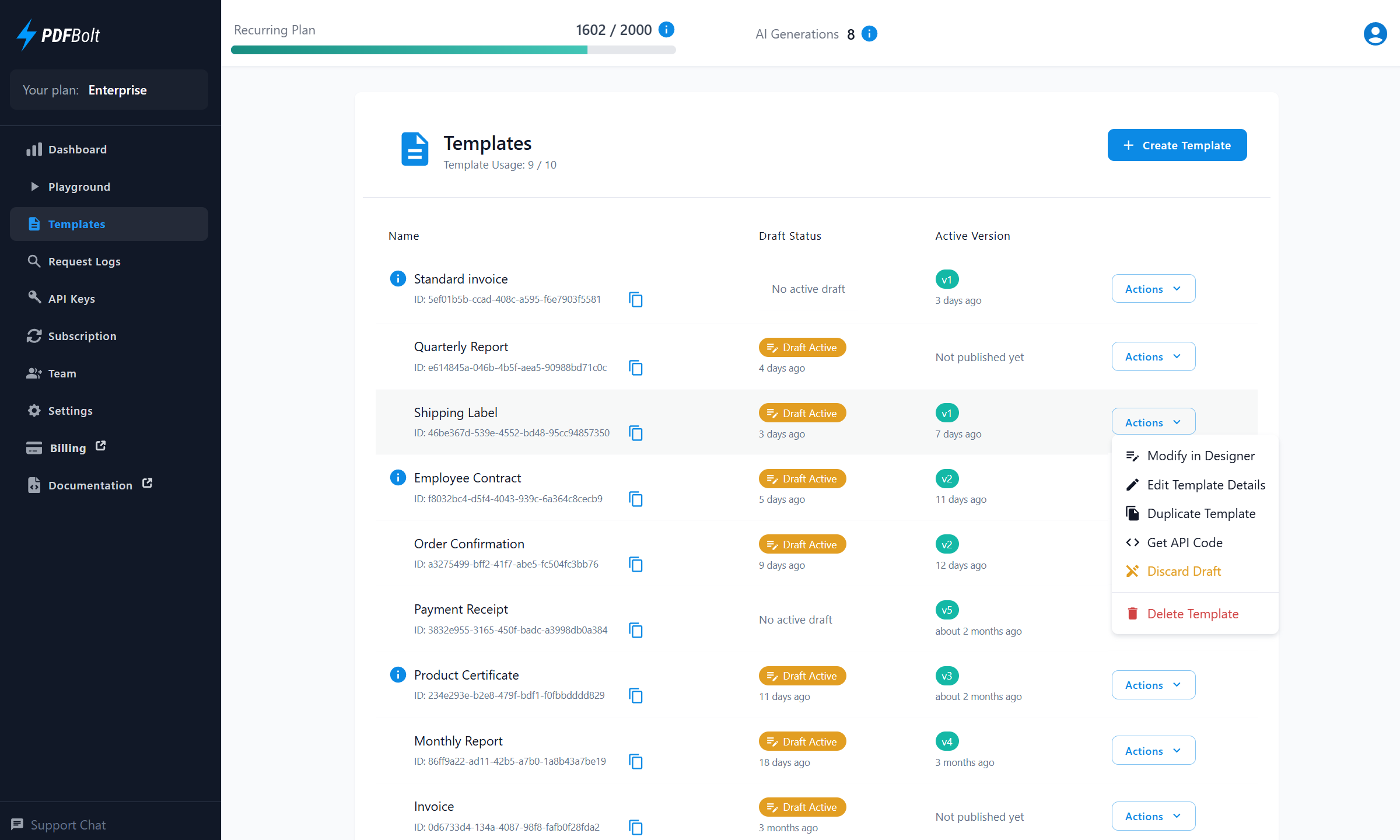
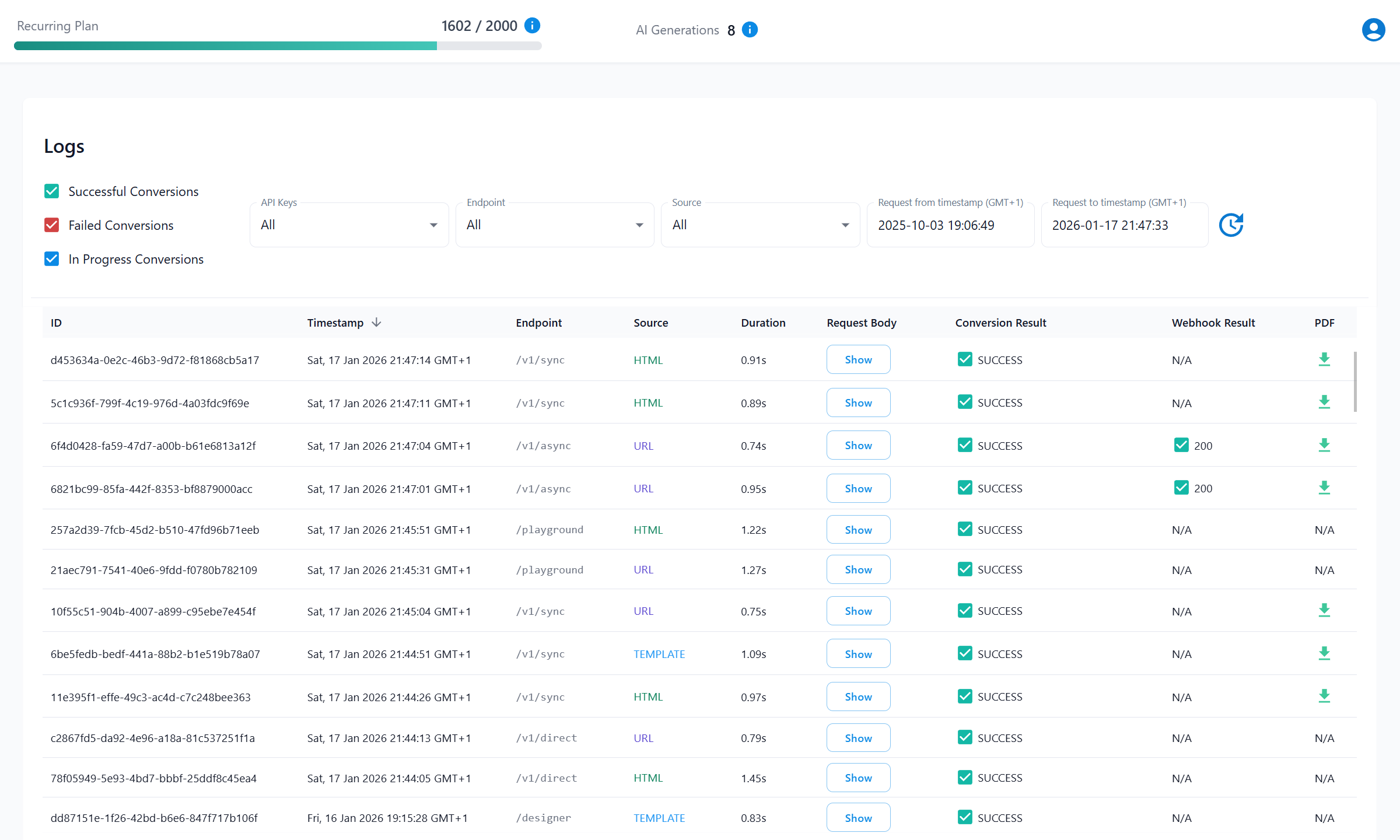
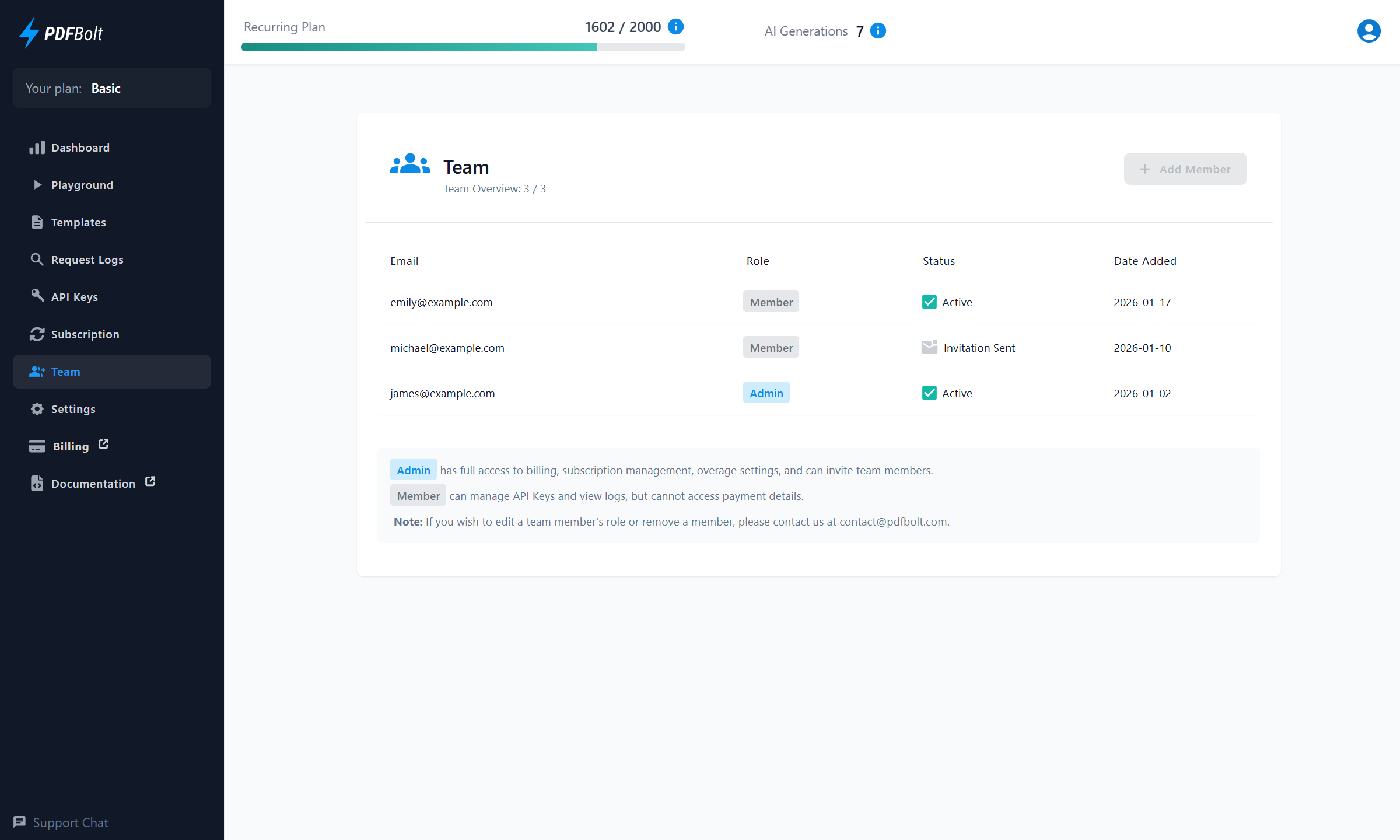
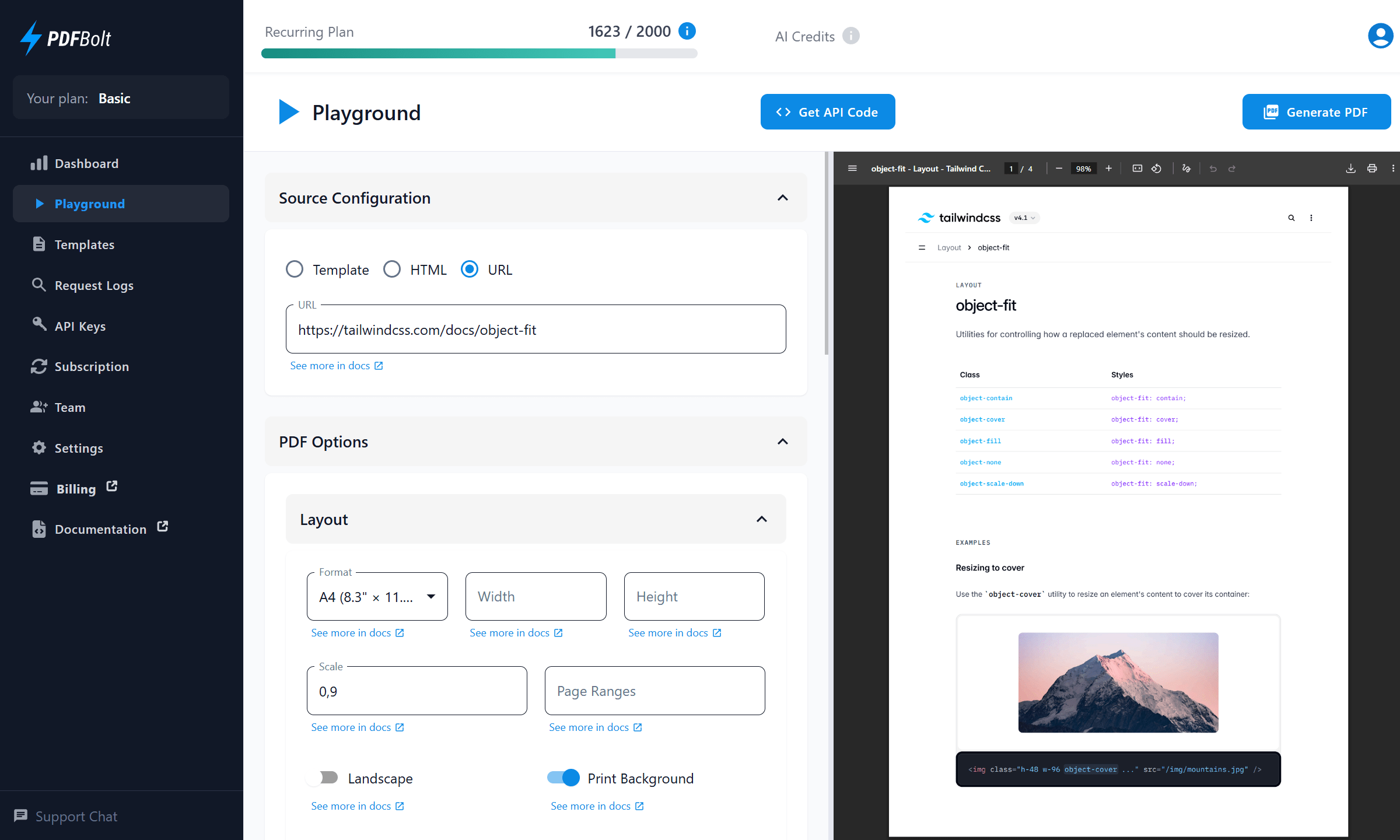
Manage AI‑generated templates, monitor API usage, and track version history.
Invite your team, control access, and debug requests from one dashboard.
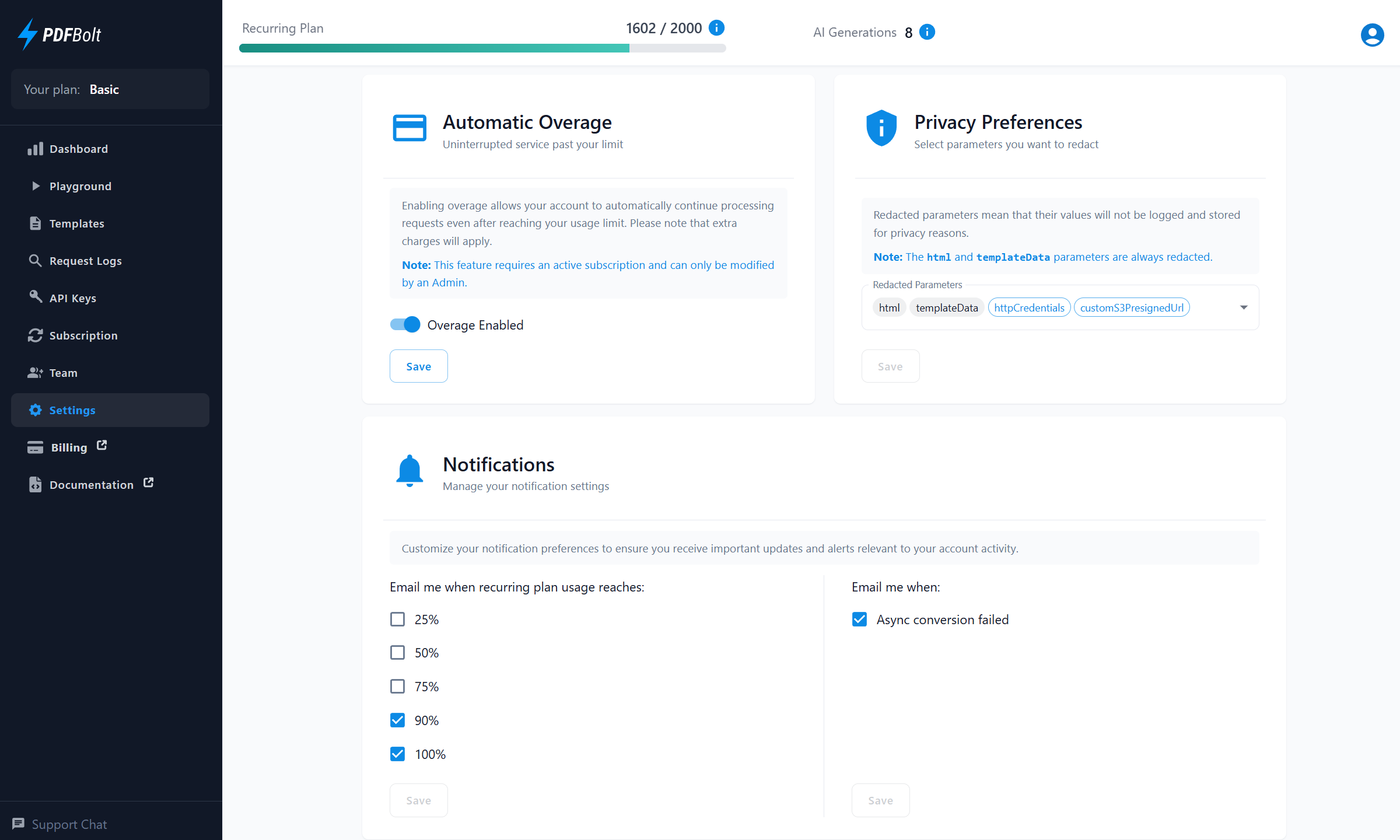
AI Template Generation
Skip the coding. Just describe your PDF layout, attach reference files, and AI delivers a complete template with sample data.
Trusted by Developers Worldwide
See how teams save time and reduce complexity with our developer‑first PDF solution.
"It has a very intuitive User Interface and easy to use API with a great documentation. What's best, that the support is super fast and even feature requests are discussed and implemented in just a couple of days. It helps us to create individualised PDF gift cards both for digital use as well as print production on the base of modern HTML / CSS."

David Bernhard
CTO at bon-bon.de
"Amazingly, the owner personally helped solve the issues I was having creating an exported lesson plan with hyperlinks and complex styling. This is a great piece of software. But more importantly, it’s the people behind a product that truly make a company great. His willingness to support my project without payment is truly unique – a rare product and a rare individual. This product just works. Thank you, PDFBolt!"

Robert Reich-Storer
Owner of Rhythmstix and Assessify"There's a lot of products that convert to PDF out there, but this one stood out to me, because the output quality is good, it's very easy to use, and pay per use. I also love the interactive API documentation, my request just worked out of the box in my app. And of course the focus on privacy, which is important when working with GDPR data. (...) PDFBolt just works, so I can focus on the business logic."

Malte Bartels
Cloud EngineerSimple and Transparent Pricing
Choose a PDF API plan that fits your needs. Upgrade seamlessly as your business grows.
Free
100 documents / month
20 requests per minute
1 concurrent request
PDF file size limit: 2MB
All customization options
1 template
1 AI template generation
No credit card required
Basic
$19
/month2 000 documents / month
100 requests per minute
5 concurrent requests
$0.01 per overage PDF
Unlimited PDF file size
All customization options
Async processing
Upload to S3
3 team members
10 templates
10 AI template generations / month
Growth
$79
/month10 000 documents / month
250 requests per minute
20 concurrent requests
$0.008 per overage PDF
Unlimited PDF file size
All customization options
Async processing
Upload to S3
10 team members
Unlimited templates
50 AI template generations / month
Print production (PDF/X, CMYK)
Priority support
Enterprise
$249
/month50 000 documents / month
500 requests per minute
50 concurrent requests
$0.005 per overage PDF
Unlimited PDF file size
All customization options
Async processing
Upload to S3
Unlimited team members
Unlimited templates
150 AI template generations / month
Print production (PDF/X, CMYK)
We create custom templates for you
Top priority support
Looking for higher monthly limits?
Contact Us →Frequently Asked Questions
Got questions about our AI PDF generator? We've got answers.
From template creation to API integration, automation, pricing, and data privacy.
What are PDF Templates?
How does AI PDF template generation work?
What types of templates can AI generate?
How do I get the best results from AI?
What programming languages does the API support?
Can I customize the PDF output?
Can I automate invoice and report generation?
How do you handle data privacy?
- Template data is not stored – it's only used for PDF generation and immediately discarded.
- Your documents are processed on EU-based servers and we are fully GDPR compliant.
- By default, we do not collect sensitive parameters from requests. You can configure which parameters to redact for added privacy.
- Save files to your S3-compatible storage for added security. If you use our storage, documents are deleted after 24 hours.
- For more details, see our Privacy Policy and DPA.
Is there a free plan?
How does PDFBolt compare to other PDF generation APIs?