Free Webpage to PDF Converter
Save any webpage as PDF online – paste a URL, download a pixel-perfect PDF in seconds.
Same Chrome engine as our URL to PDF API. No install, no signup, no Chrome extension.
GDPR Compliant
Privacy by design
Hosted in the EU
Protected by EU law
HTTPS Encrypted
All transfers secured
PDFs never stored
Streamed direct to you
1. Enter the webpage URL
2. Configure options
Layout
Page format
Width
Height
Scale
Page ranges
Margins
Top
Right
Bottom
Left
Header & Footer
Available classes: pageNumber, totalPages, title, url, date
Header template (HTML)
Footer template (HTML)
Output
Filename
Compression
Print Production
PDF Standard
Color Space
ICC Profile
Loading & Timing
Wait until
Timeout (ms)
Wait for function (JavaScript)
Wait for selector
Selector state
Page Behavior
Emulate media type
Viewport & Device
Viewport size
Device scale factor
Authentication & Network
HTTP Credentials
Extra HTTP Headers
Cookies
3. Generate PDF
How to Save a Webpage as a PDF
Convert any webpage to PDF – no install, no signup, no Chrome extension.
Paste a URL, tweak options if needed, then download a clean PDF in seconds.
1. Paste the URL
Enter any webpage URL starting with https://. Works with articles, websites, documentation, dashboards, SPAs, and other JavaScript-heavy pages – our headless Chrome handles them all.
2. Configure Options
Customize format, margins, orientation, scale, page ranges, headers, footers, compression, filename, PDF/X, CMYK, and more – or skip ahead if the defaults already work for your case.
3. Download Your PDF
Click Convert to PDF and our headless Chrome renders the page server-side in seconds. Preview the generated PDF, download it, open in new tab, or convert another URL.
Why Use Our URL to PDF Converter
The same Chrome rendering, the same conversion options, the same output as our URL to PDF API – free, no watermarks.
Instant PDF preview
See the captured webpage as a PDF instantly in your browser – no print to PDF dialog, no download needed to check the result. Adjust options and convert again.
Secure by design
HTTPS-encrypted requests, EU-hosted servers, and generated PDFs streamed directly to you – never stored on our servers. GDPR-compliant by default.
Works with JavaScript-heavy pages
React, Vue, Angular, SPAs, charts, and lazy-loaded content render correctly with networkidle wait strategy and full JavaScript execution – powered by the same headless Chrome engine as our REST API.
Paste any webpage URL
News articles, documentation, dashboards, blog posts, entire websites – any HTTPS URL works. For protected pages, add HTTP credentials, cookies, or custom headers.
All customization options
Every REST API conversion option works here – page format, margins, compression, headers and footers, plus PDF/X, CMYK, and tagged accessibility.
Free access, no credit card
Start converting immediately – no account or email required. Need to generate more? Sign up for 50 free PDFs per month – no credit card required.
Common URL to PDF Use Cases
Use our free URL to PDF converter, or automate the same output at scale through our REST API.
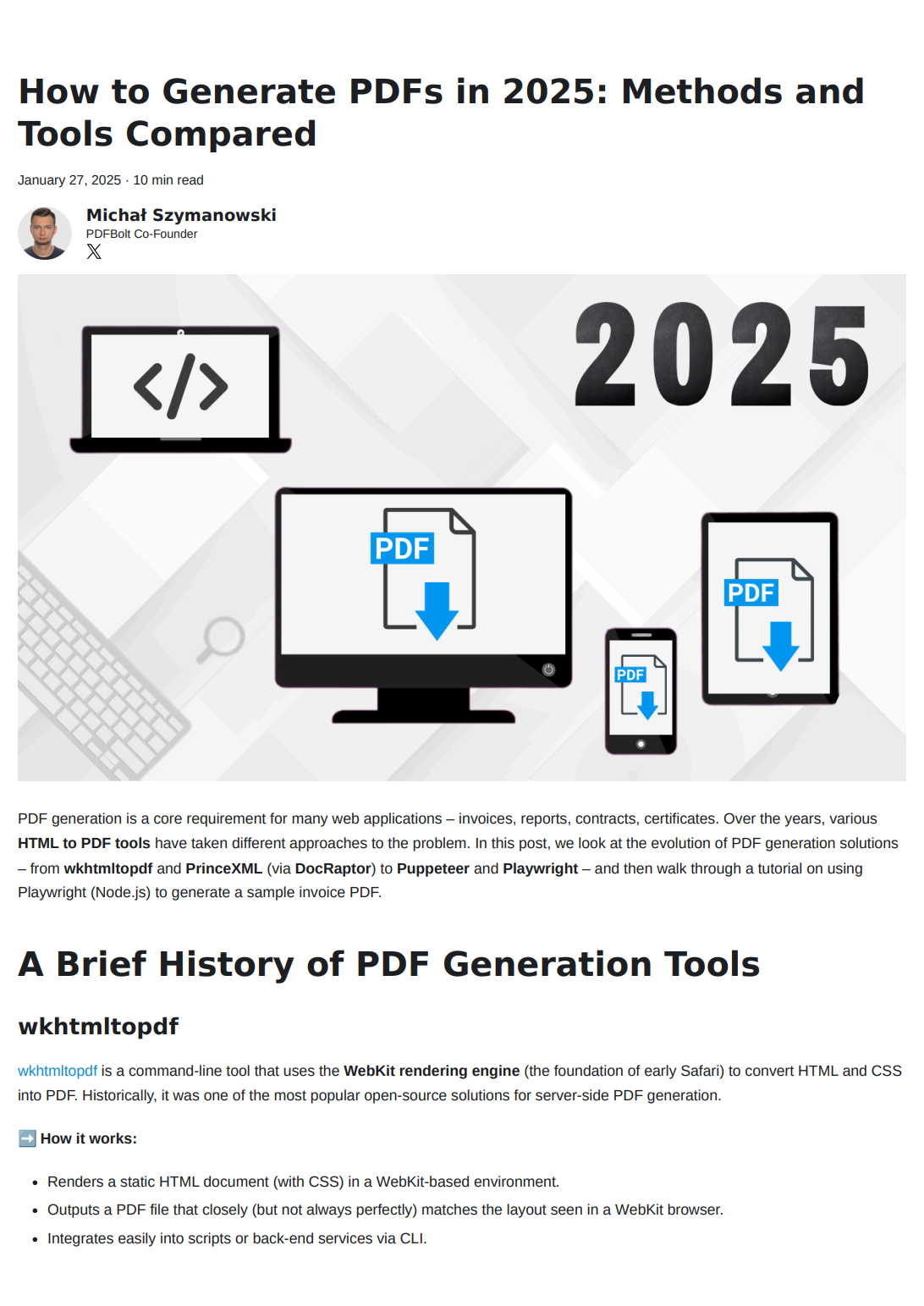
Articles & news
Save news articles and blog posts for offline reading or long-term archive – preserves text, images, and formatting.
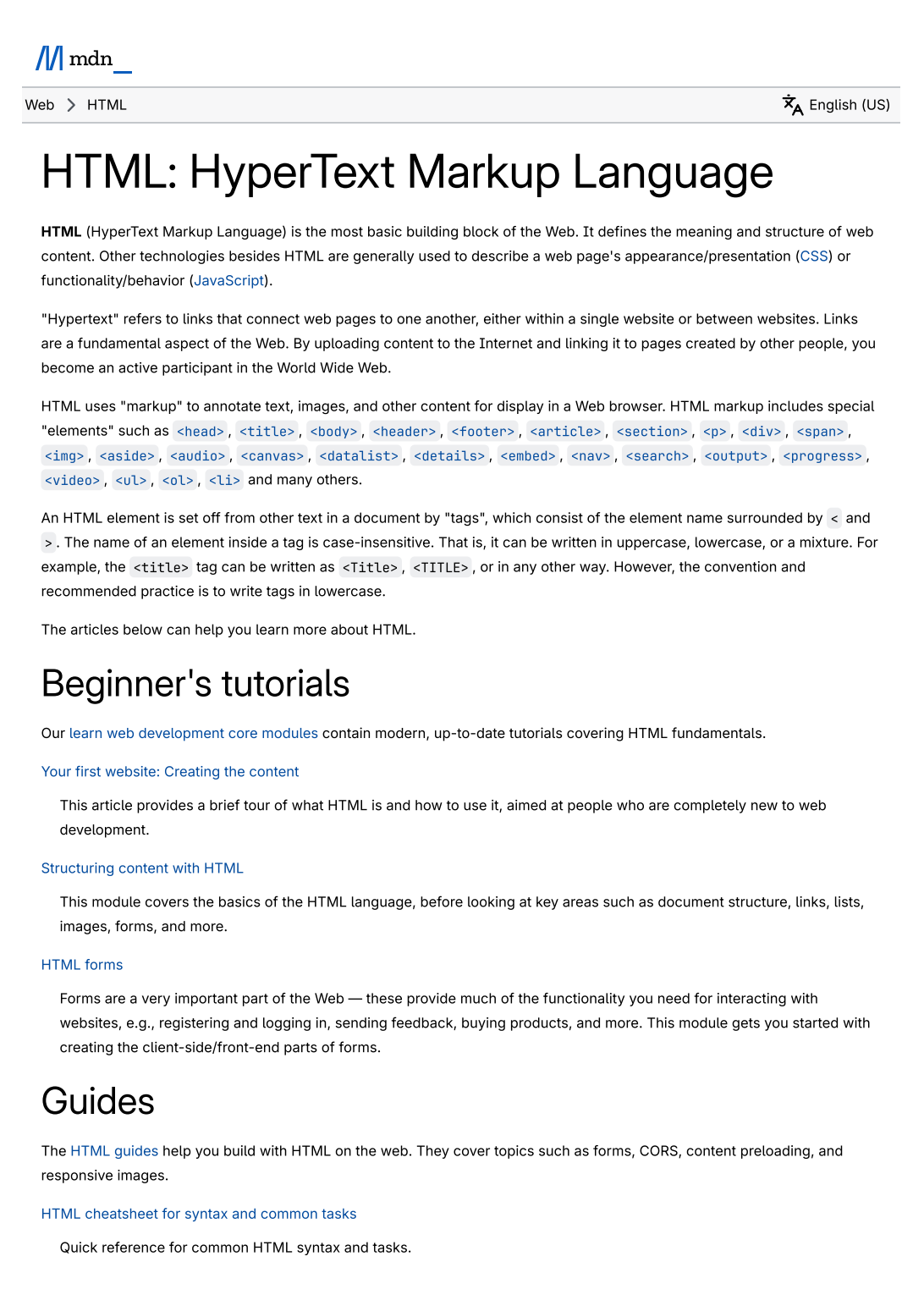
Documentation
Capture documentation, knowledge bases, help centers, and GitHub READMEs as PDF references.
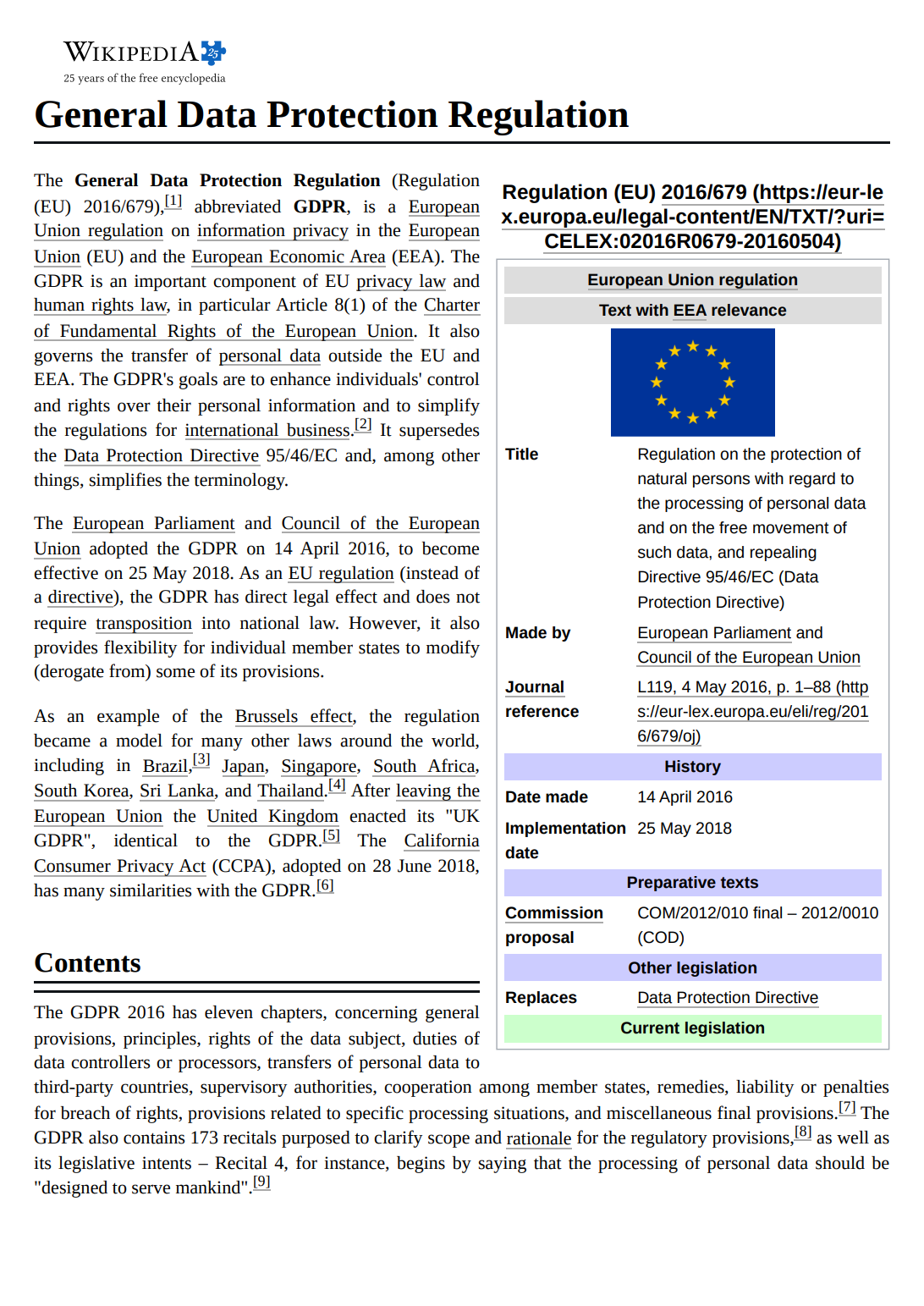
Web archive
Lawyers, journalists, and compliance teams archive a webpage as PDF for evidence and long-term preservation.
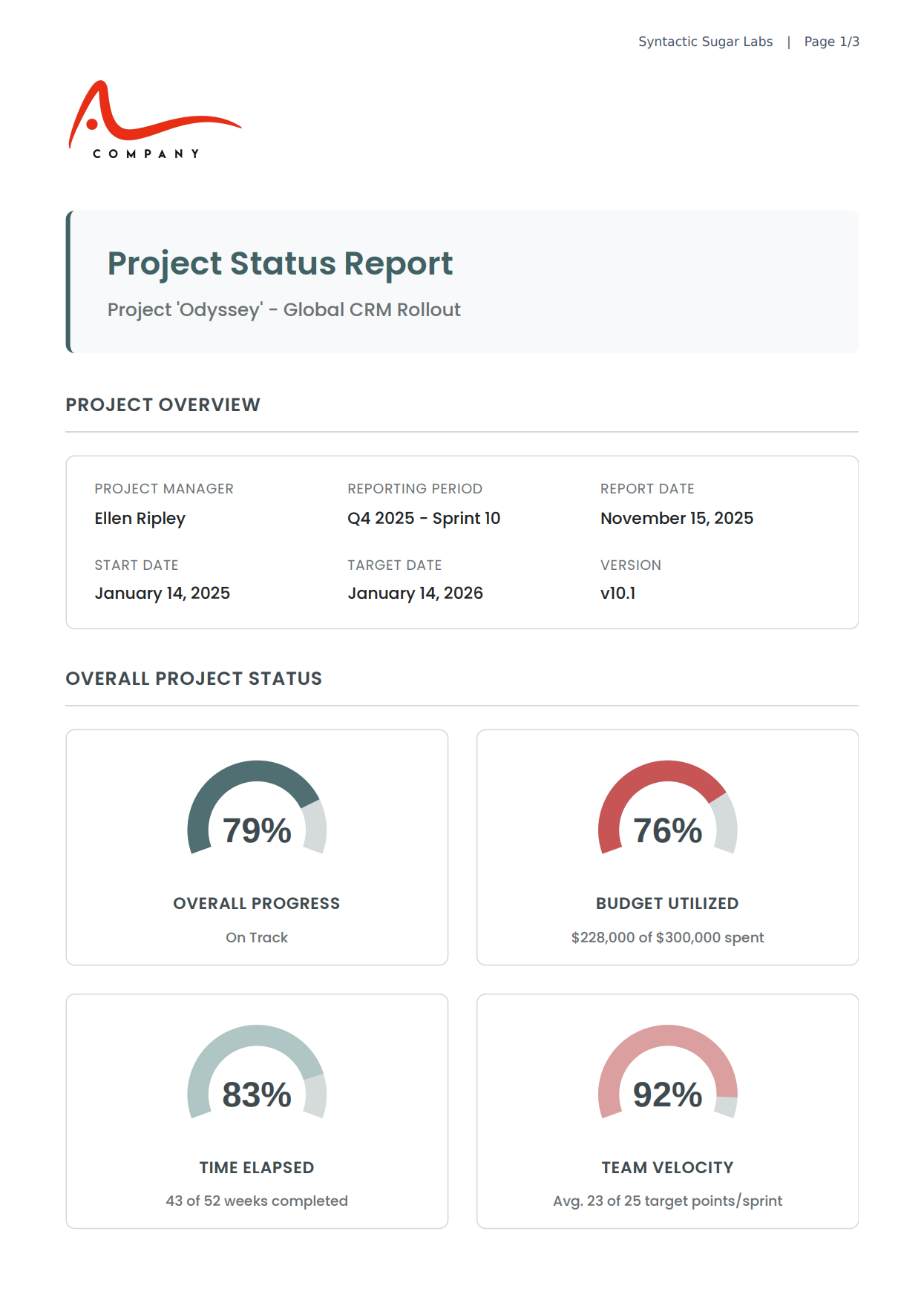
Dashboards & reports
Export analytics dashboards, reports, and admin panels as PDF – charts, tables, and KPIs render correctly.
Need webhook callbacks, S3 delivery, or high-volume conversion? Our REST API handles it all – call it from any language.
Explore URL to PDF APIHow to Fix Common URL to PDF Issues
Most web pages convert perfectly – but a few patterns can produce blank or broken PDFs.
Here's how to handle login walls, JavaScript timing, print styles, and SPA routes.
Page requires login or paywall
Authenticated dashboards, internal tools, and paywalled articles redirect to login pages instead of your content – the converter sees them like a first-time visitor with no session.
Open the Authentication & Network panel and add HTTP Credentials (Basic auth), Cookies (session login), or Extra HTTP Headers (Bearer tokens, JWT, API keys).
JavaScript content shows as blank
SPAs, charts, and lazy-loaded components render empty because the PDF snapshot fires before JavaScript finishes loading – common with React, Vue, Angular, and dashboards with dynamic data.
Set Wait until to networkidle, add a Wait for selector for a specific element, or use Wait for function for custom JavaScript conditions – all in the Loading & Timing panel. Increase Timeout for slow loads.
Site's print styles hide content
Many sites use @media print CSS to hide navigation, sidebars, ads, or even entire sections. PDFBolt emulates print media by default, so elements hidden for print won't appear in your PDF.
In the Page Behavior panel, change Emulate media type from print to screen to capture the page exactly as a regular browser visitor sees it.
Single-page app (SPA) returns blank
SPAs often use hash-based routes like #/dashboard that work only when navigated to from another page in the app. Opening the URL directly may load the app's framework but not render the target content – resulting in a blank PDF.
Ensure the URL resolves to a full page load. Test it in an incognito window – if the content requires navigation to appear, the converter won't capture it.
Frequently Asked Questions
Common questions about pricing, security, features, customization, and URL to PDF automation.
How do I convert a webpage to PDF?
Is this URL to PDF converter really free?
Is my data secure?
Does it work with JavaScript-rendered pages (React, Vue, Angular)?
How is this different from Chrome's "Save as PDF" or a browser extension?
Why not just press Ctrl+P and Save as PDF in Chrome?
Can I convert pages that require login or a paywall?
Can I customize page size, margins, headers, and footers?
Can I convert multiple URLs at once (bulk conversion)?
Can I convert my own HTML instead of a URL?