Playground
Use the Playground to test PDF generation in your browser. Choose a template, HTML, or URL, configure conversion options, preview the PDF, and get API code for your application.
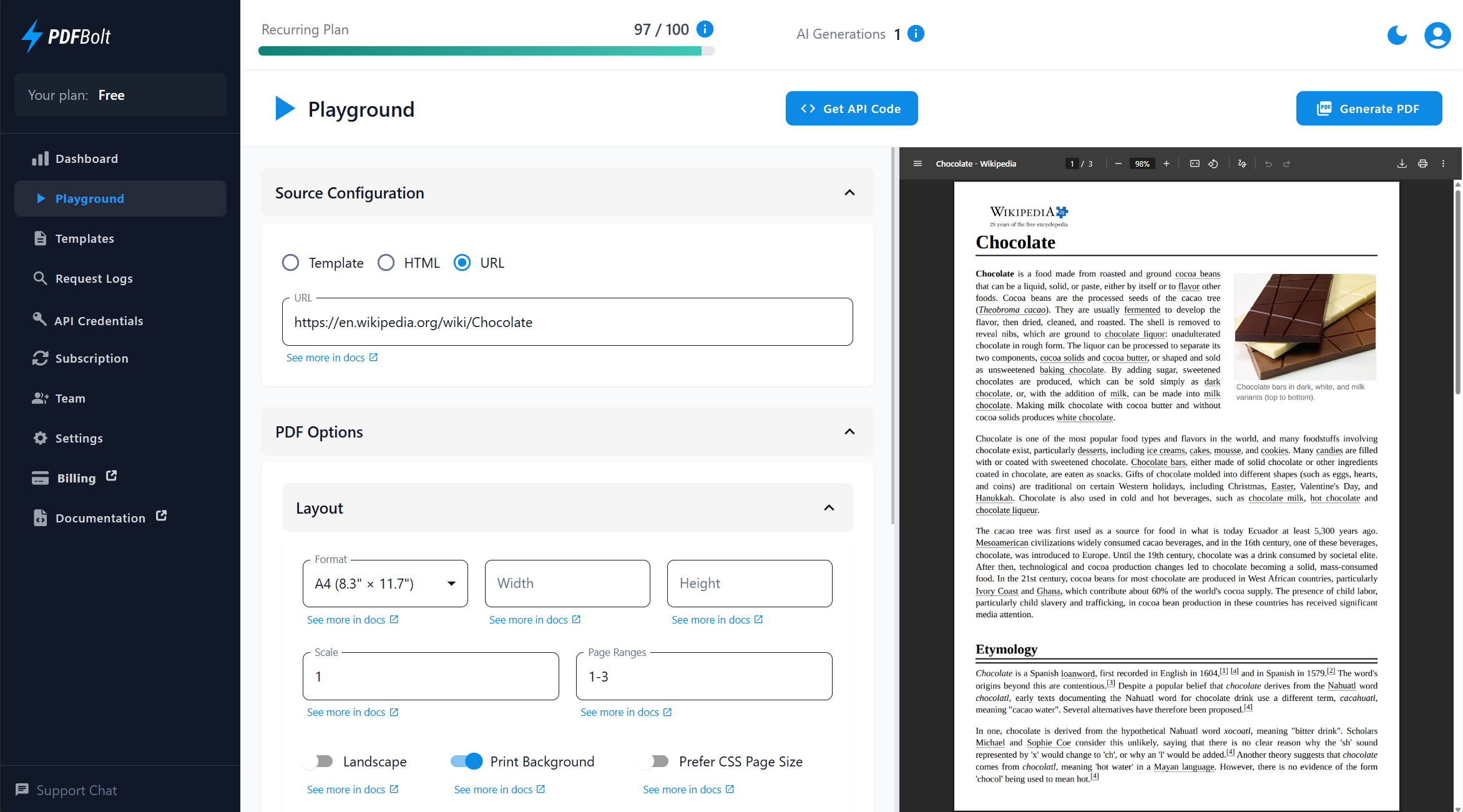
Use the Playground to test a PDF configuration before implementing API calls in your application.
Interface Overview
The Playground uses a two-panel layout:
- Left Panel: Configuration options for source selection, PDF settings, and page behavior.
- Right Panel: PDF preview with download option.
Source Types
Choose one PDF source:
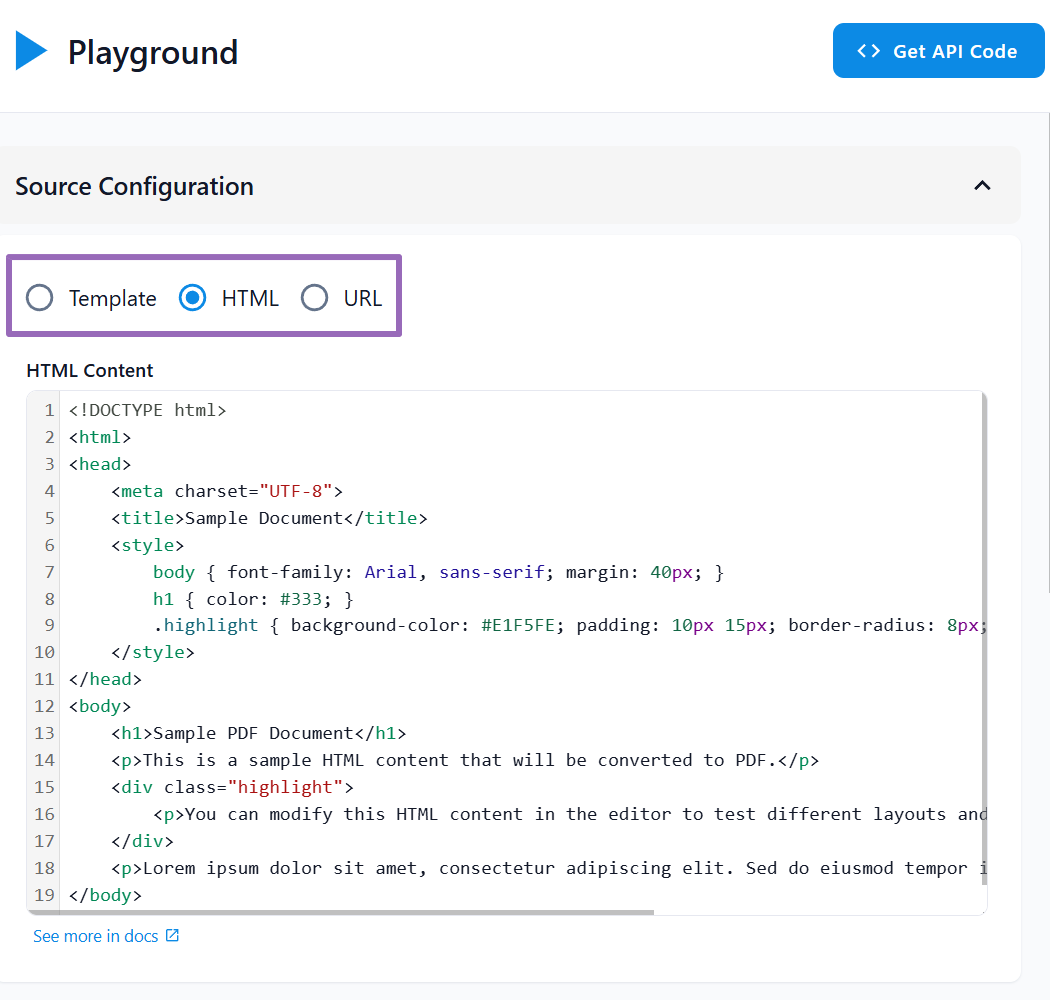
Template
Select a saved template. The Playground uses the latest published version and its saved sample data and PDF parameters. If the template has never been published, it uses the active draft instead.
- Choose a template from the dropdown list.
- Preview the rendered PDF.
- Generated API code uses the published template version. Publish the template or any draft changes before running the code.
HTML
Paste HTML content directly into the editor for conversion.
- Write or paste HTML content.
- Include inline CSS or
<style>tags for styling. - Use HTML source for custom layouts.
URL
Generate a PDF from a webpage URL.
- Enter the full URL, including
https://. - PDFBolt renders the page and converts it to PDF.
- Use URL source for web pages you want to capture as documents.
Configuration Options
The Playground exposes the main parameters used for direct PDF conversions. Configure page format, margins, headers, footers, loading behavior, viewport settings, authentication headers, cookies, and print production options.
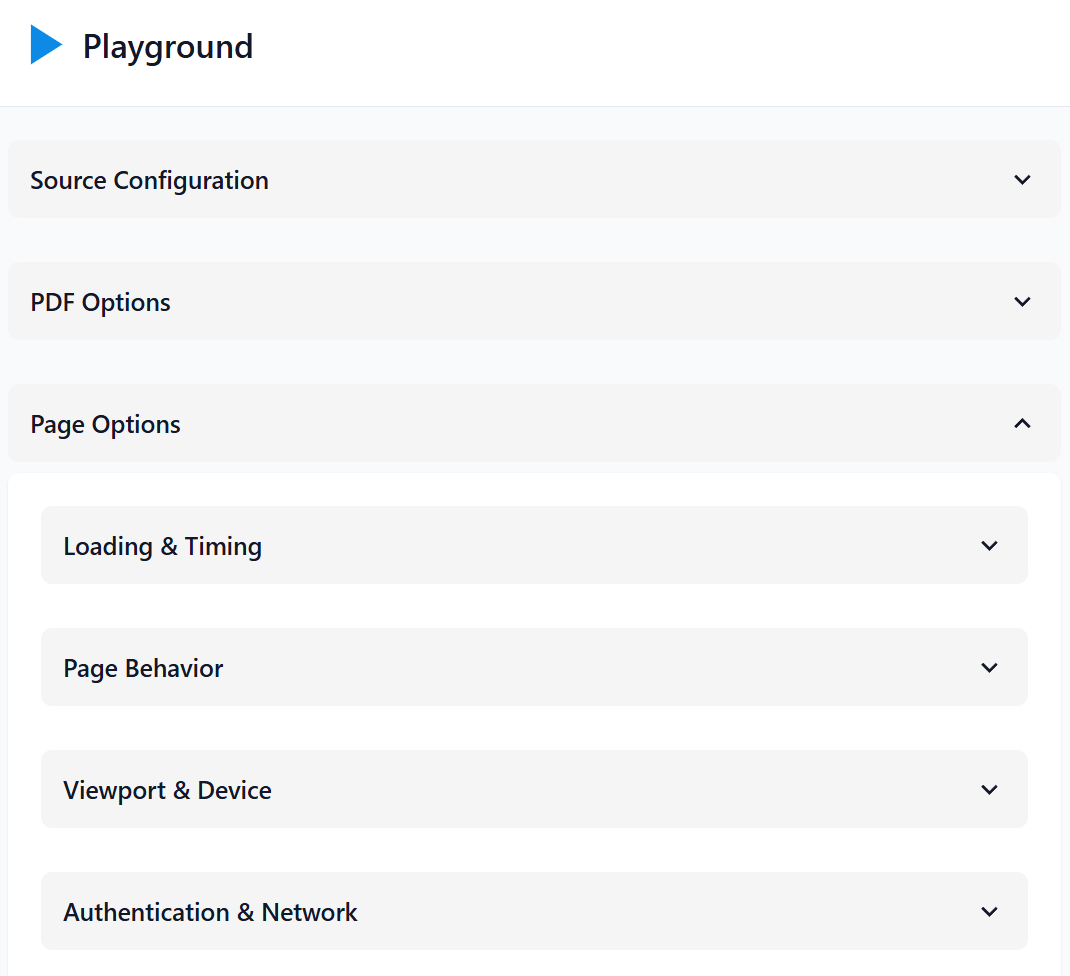
For the complete parameter reference, see Conversion Parameters.
You can test print production options in the Playground. When used through the API, print production features are available on the Growth plan and above.
Generating PDFs
Follow these steps to generate your PDF:
- Select your source type and provide the content (template, HTML, or URL).
- Configure PDF options and page settings as needed.
- Click the Generate PDF button.
- Preview the result in the right panel and download if needed.
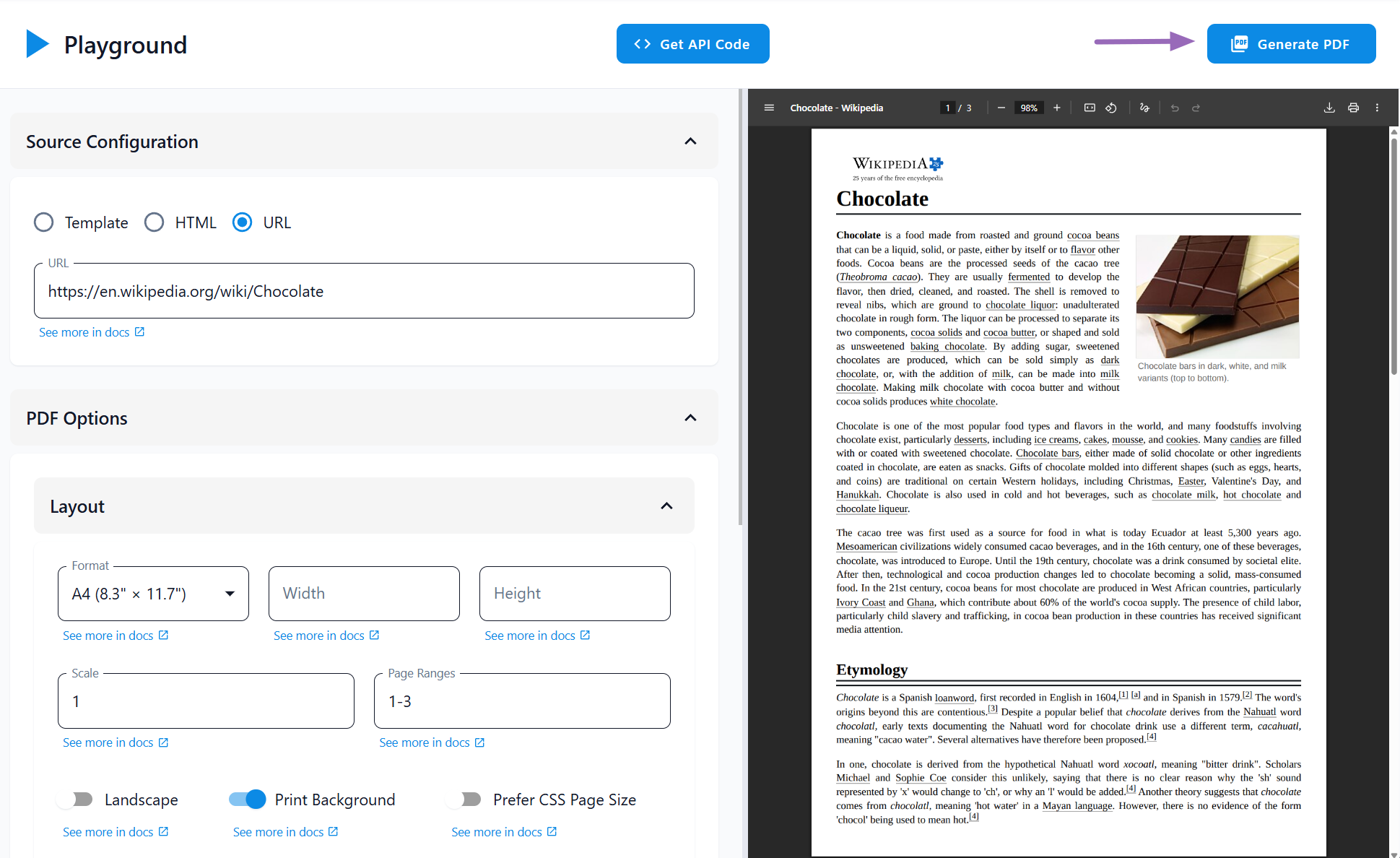
Successful Playground generations count against your account's document conversions.
Get API Code
Click Get API Code to view integration snippets for the current Playground configuration.
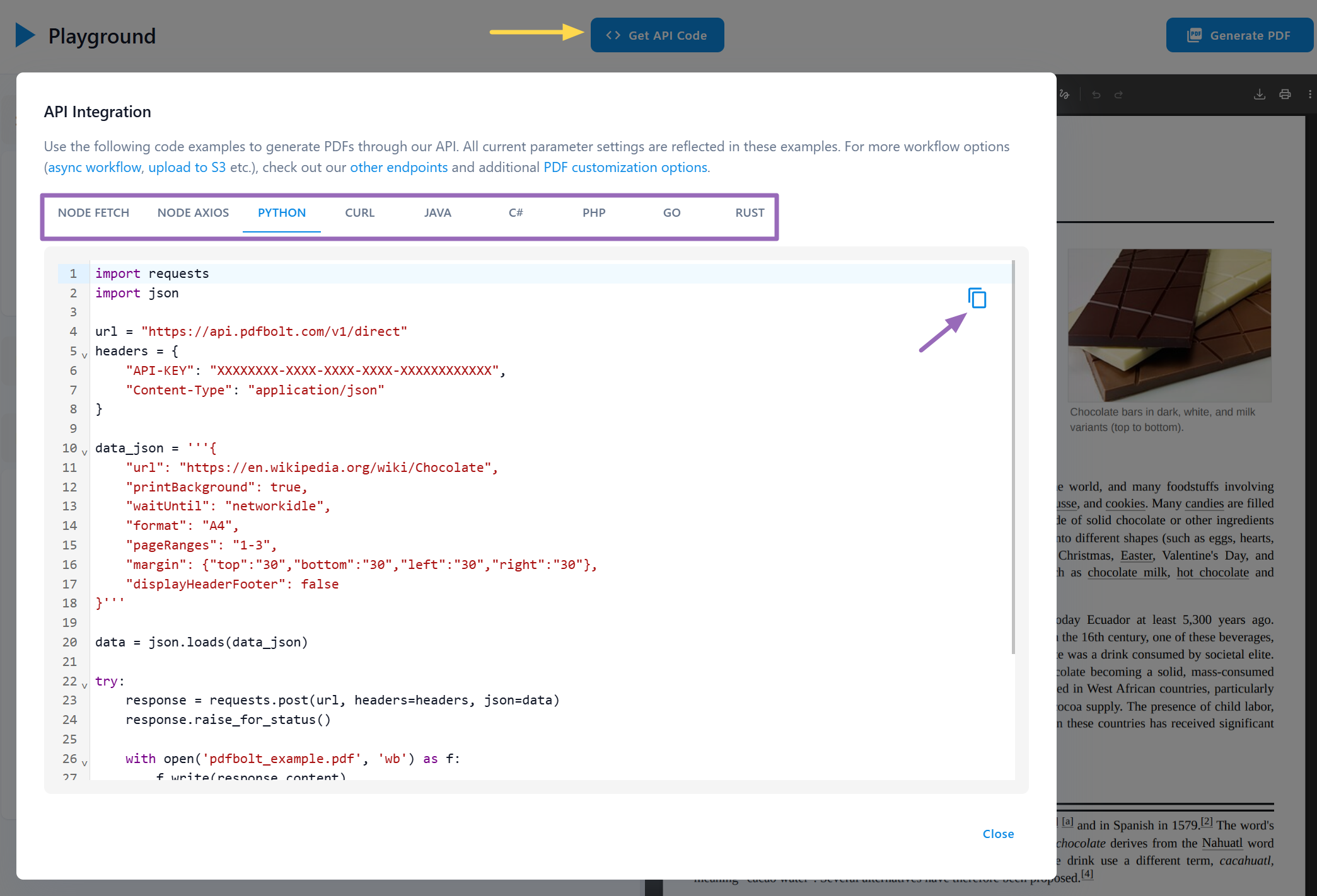
The snippets use /v1/direct. For sync, async, or custom S3 workflows, see API Endpoints.
Available languages: Node.js (Fetch, Axios), Python, cURL, Java, C#, PHP, Go, Rust.
Select a language tab, then click the copy icon to copy the snippet. The generated code includes the parameters currently configured in the Playground.
Generated snippets include your API key. Do not expose it in client-side code or commit it to source control.
Helpful Links
📄️ Conversion Parameters
Reference for PDF generation parameters
📄️ Templates
Create and manage reusable PDF templates
📄️ API Endpoints
Endpoint references for direct, sync, and async conversions
📄️ Quick Start Guide
Get started with PDFBolt API integration