Team
The Team section shows team members, roles, invitation statuses, and your plan's team member limit. Admins can invite members up to this limit. All members can access templates, conversion API keys, and request logs.
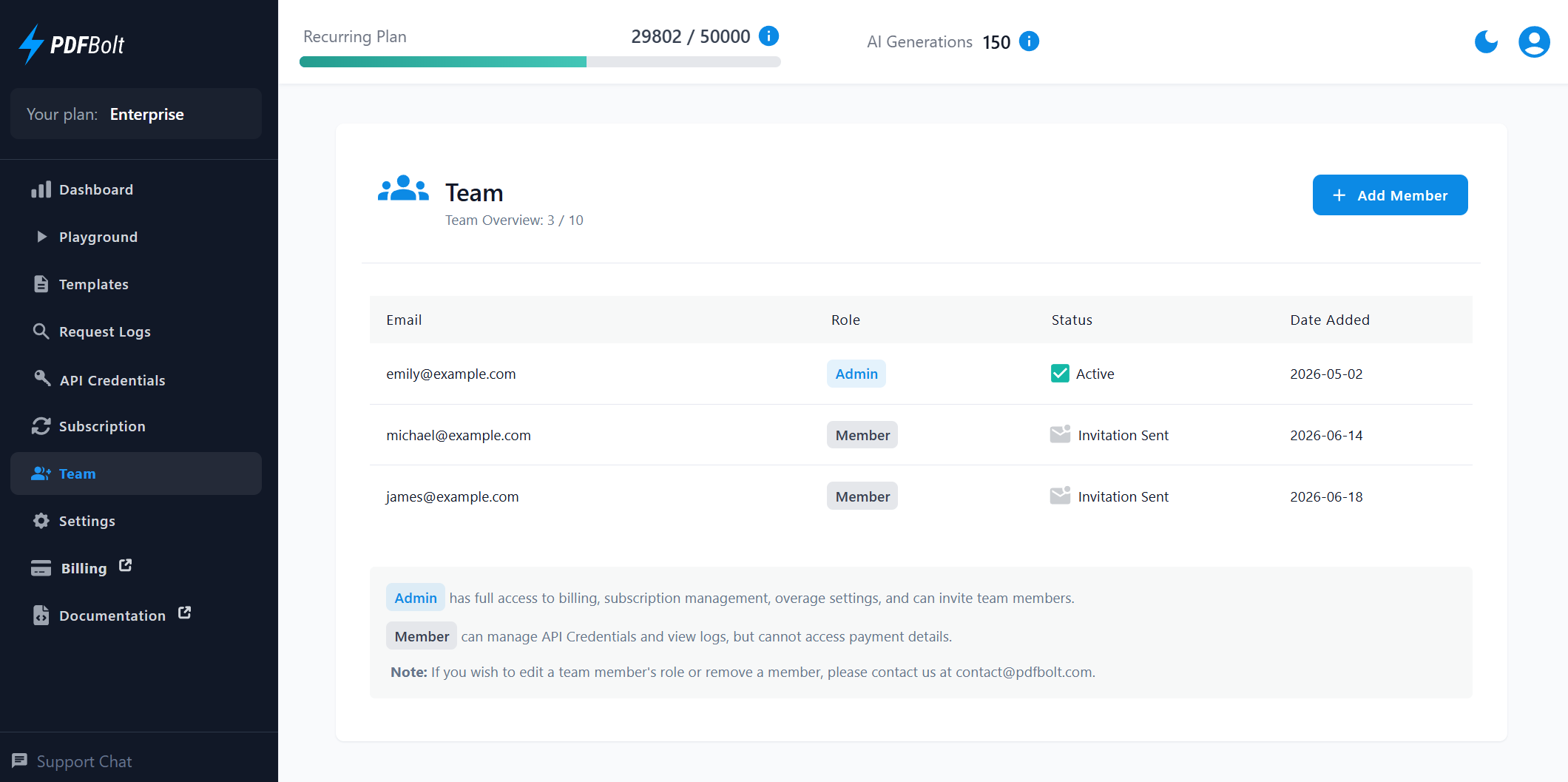
Team Roles
Invited users join as Members. Admins have the same access as Members and can also manage billing, the subscription, overage settings, and member invitations.
Admin
- Can manage the subscription, billing details, invoices, and overage settings.
- Can invite team members up to the plan's limit.
Member
- Can access templates, API credentials, and request logs in the Dashboard.
- Cannot access billing or subscription management.
- Cannot invite team members or manage overage settings.
To edit a user's role or remove a team member, contact support.
Inviting Team Members
The Add Member button is available to Admins while the team is below the plan's member limit.
To invite a new team member:
-
Click Add Member.
-
Enter the email address of the user you want to invite.
-
Click Invite.
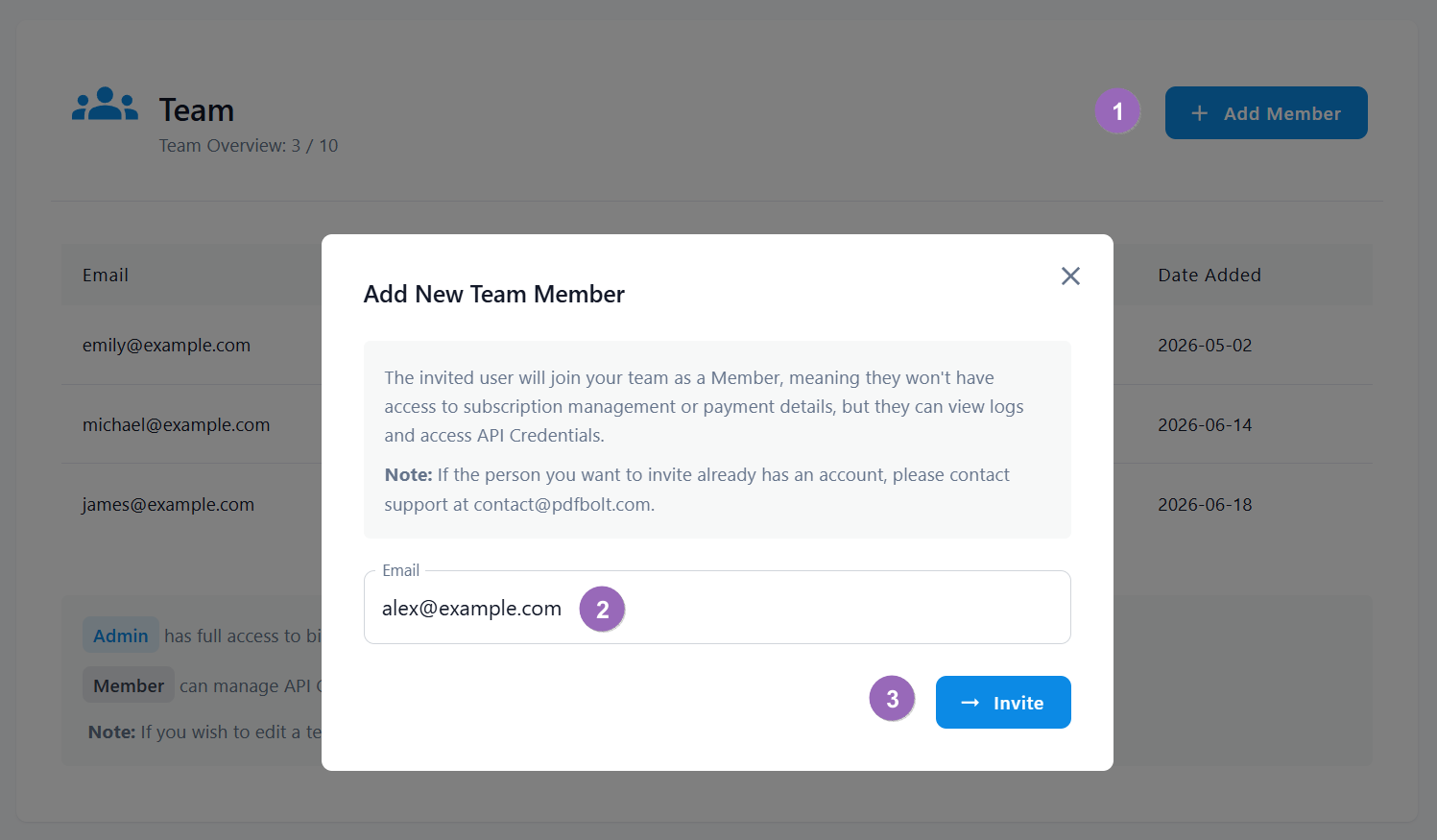
The invited user receives an email with a link to set their password. Once the password is set, they can log in to access templates, API credentials, and request logs.
Pending invitations count toward your plan's team member limit.
You can only invite users who do not already have a PDFBolt account. To add someone who already has an account, contact support.