Settings
The Settings section lets you manage opt-in overage, request parameter redaction, and notification preferences for your account.
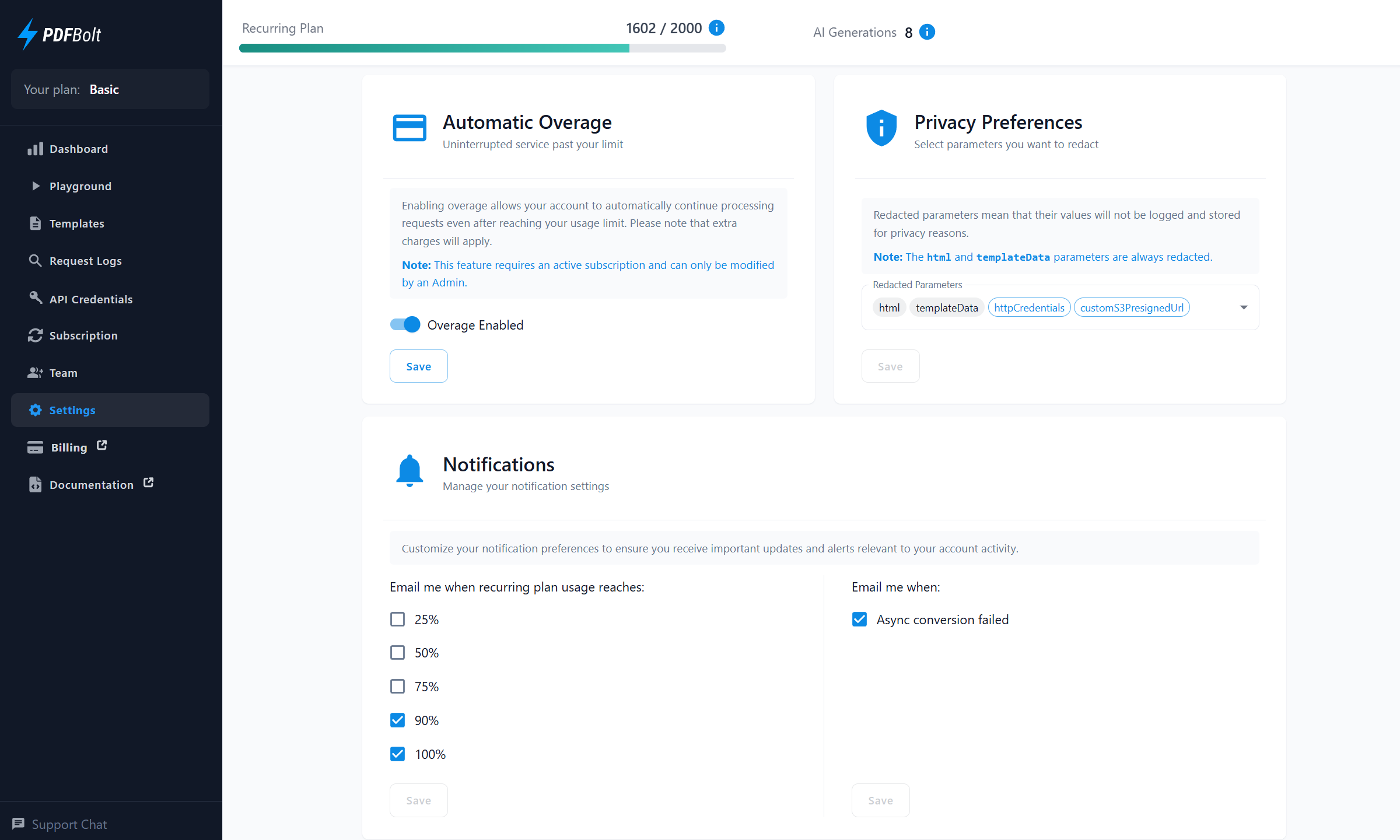
Overage Settings
Enable Automatic Overage to keep processing document conversions after your recurring plan limit is reached.
- What it does: Processes additional document conversions beyond your plan's recurring conversion limit.
- How to enable: Toggle the overage setting in your account.
- Important: Extra charges apply for document conversions beyond your plan's recurring conversion limit.
Only Admins on paid plans can change overage settings.
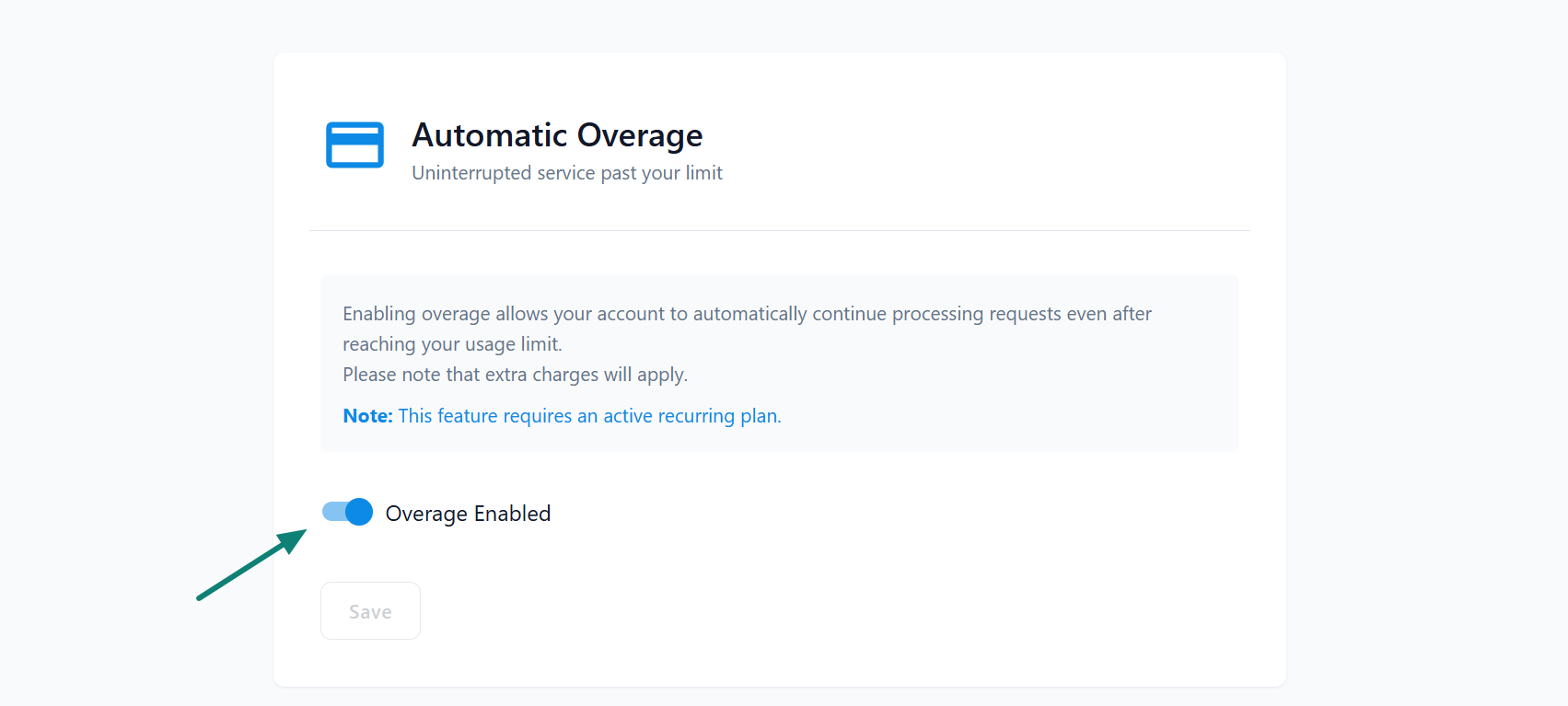
If you are nearing your limit, consider upgrading your plan or enabling Overage to continue processing additional document conversions.
Privacy Preferences
Choose which request parameters are redacted from stored request logs.
- Redacted Parameters: Replace selected parameter values with
*****in stored request logs. - Configurable Privacy: Select additional parameters directly from the Settings page.
Changes apply to new request logs and do not alter existing entries.
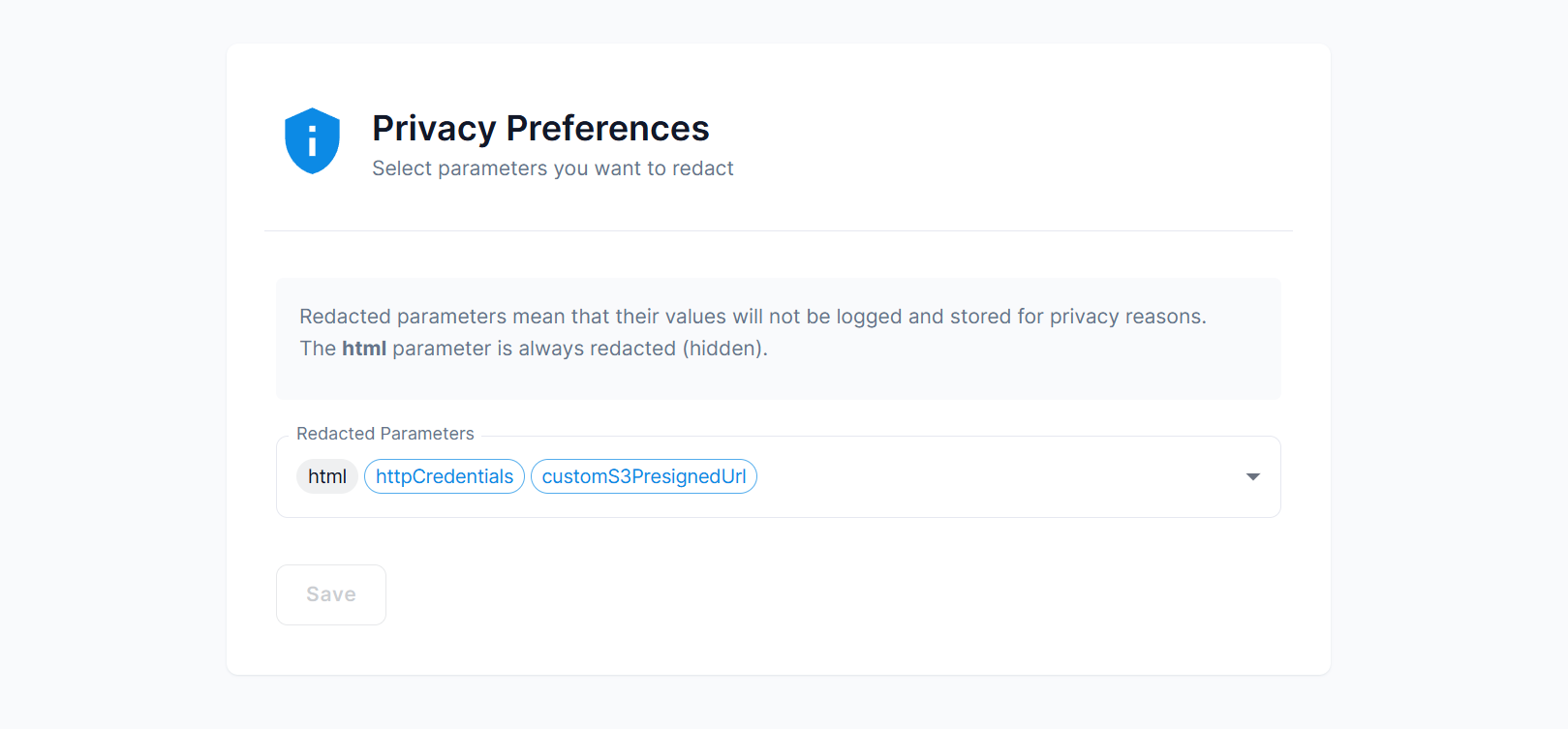
The html and templateData parameters are always redacted for privacy reasons.
Notifications
Manage email notifications for usage thresholds and async conversion failures:
Notification preferences are saved for the signed-in user.
-
Recurring Plan Usage Alerts: Receive notifications when recurring usage reaches selected thresholds. 90% and 100% notifications are enabled by default.
-
Async Conversion Failure Alerts: Receive a notification when an async conversion fails.
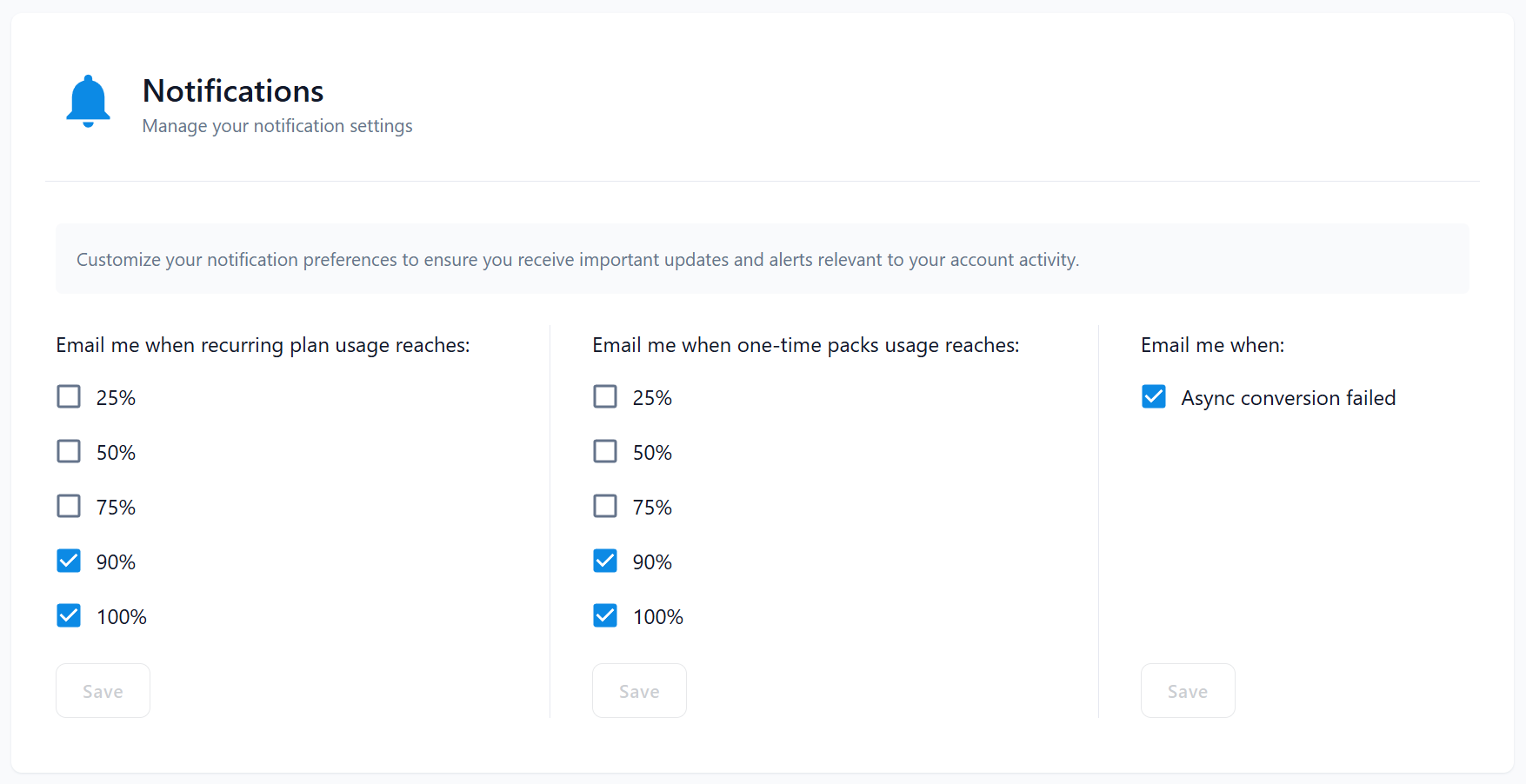
Enable the notifications that match how you monitor usage and async workflows.